
Turn Property Photos Into Cinematic Videos
Upload your listing photos and PropertyCine AI creates stunning videos with natural motion - curtains sway, water ripples, light shifts. Add your branding, music, and upload directly to YouTube for MLS platforms. Sign up and get 30 free credits to create your first video.
How PropertyCine Works
Three simple steps to transform your property photos into engaging marketing videos
1. Upload Photos
Drag and drop up to 8 high-quality photos of your property listing. Works with interior, exterior, and aerial shots.
2. PropertyCine AI Magic
PropertyCine AI analyzes each photo and adds subtle, realistic motion - swaying plants, shimmering water, drifting clouds.
3. Brand & Share
Add your logo, profile picture, QR code, and background music. Upload directly to YouTube or download for any platform.
Before & After
See how static property photos transform into captivating videos


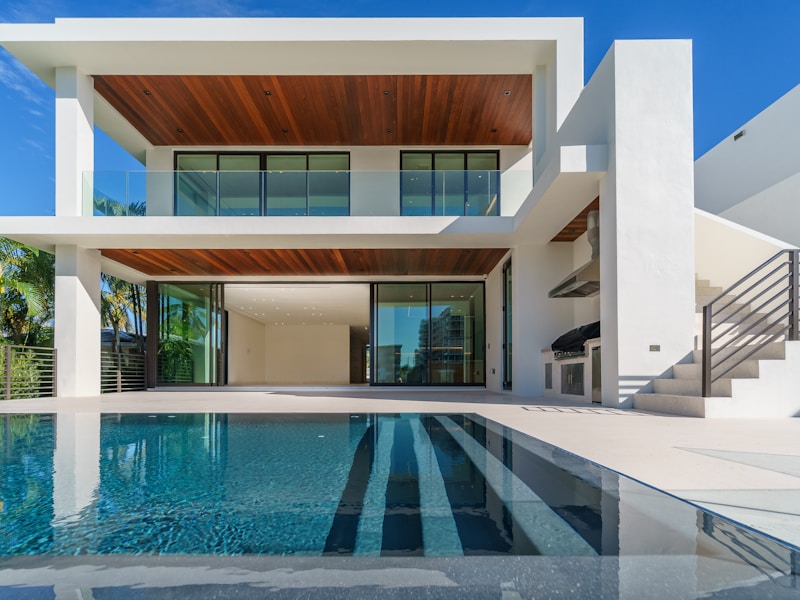
Brick Villa
Courtyard

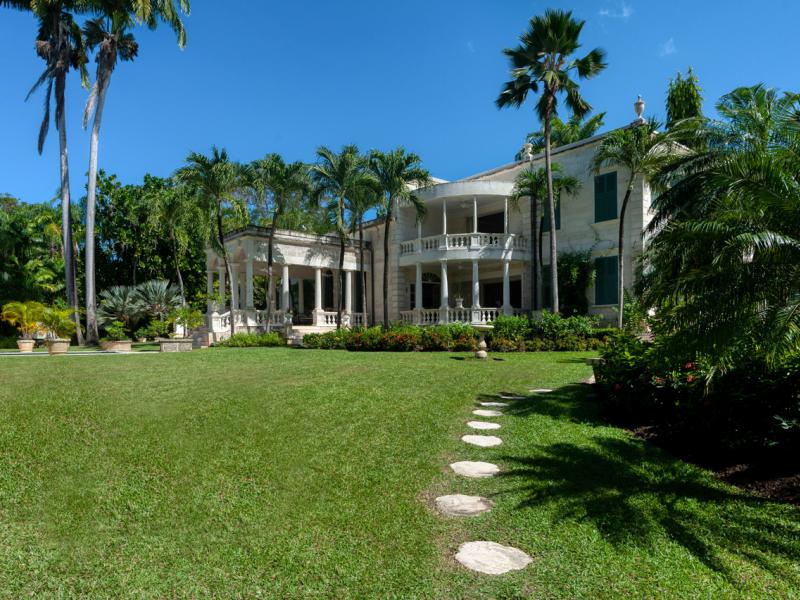
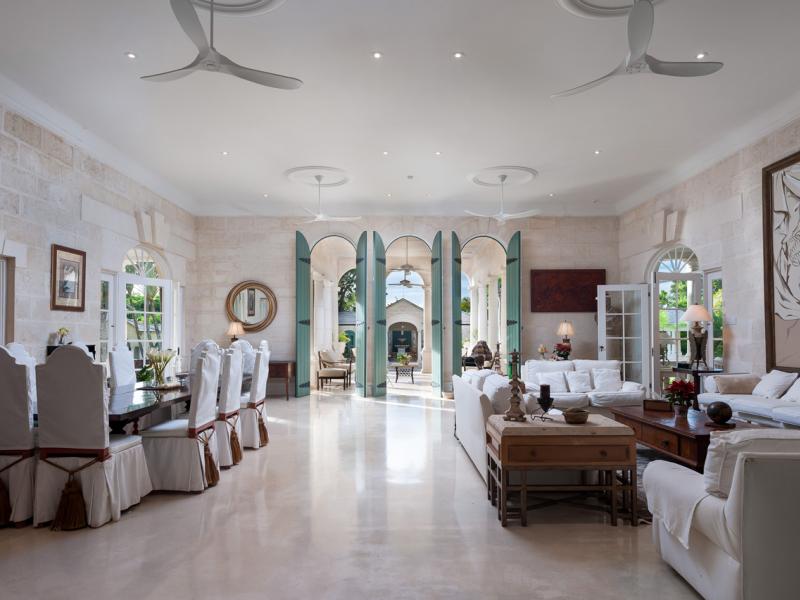

Caribbean Mansion
Luxury Plantation Style Villa
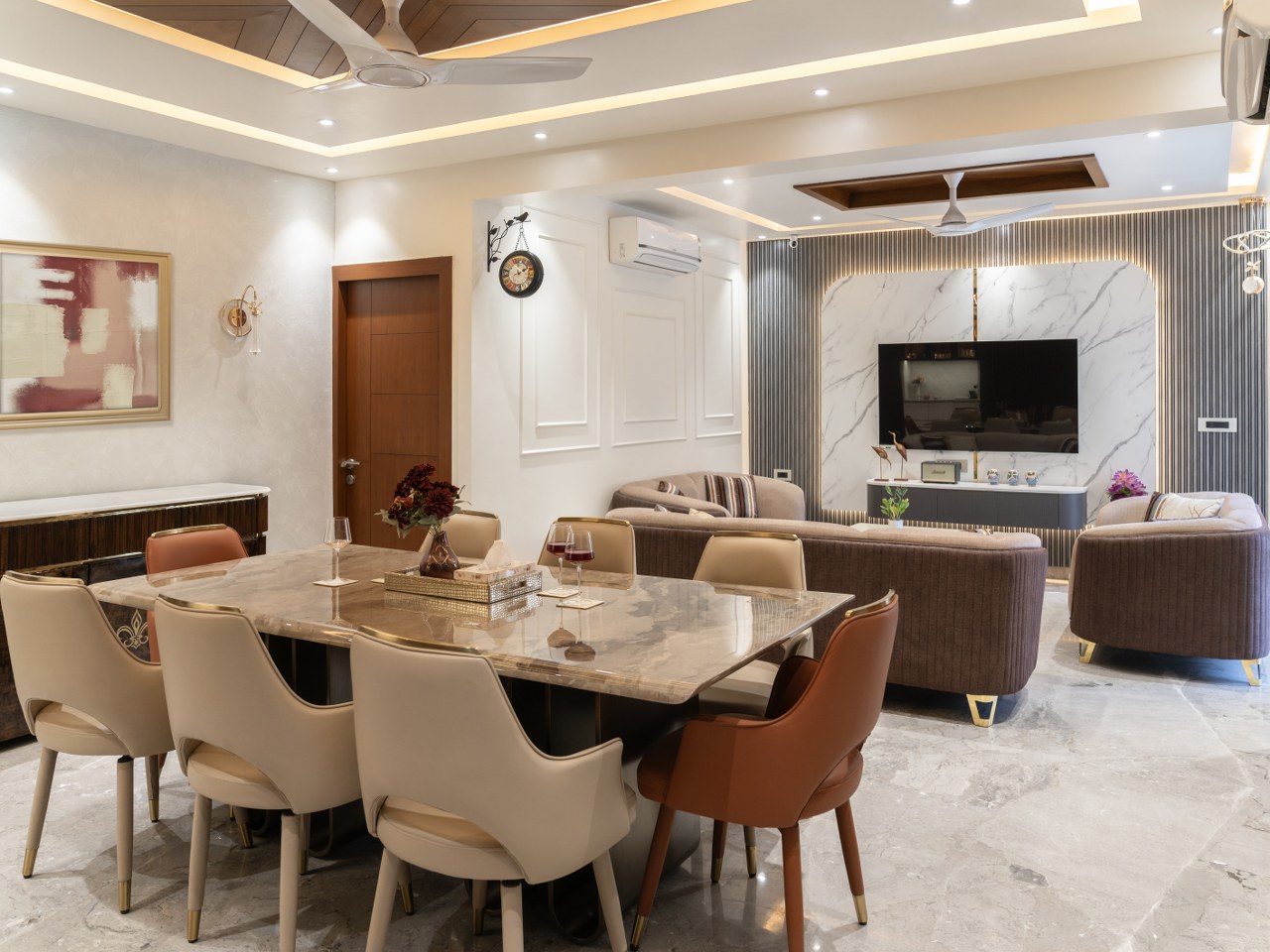
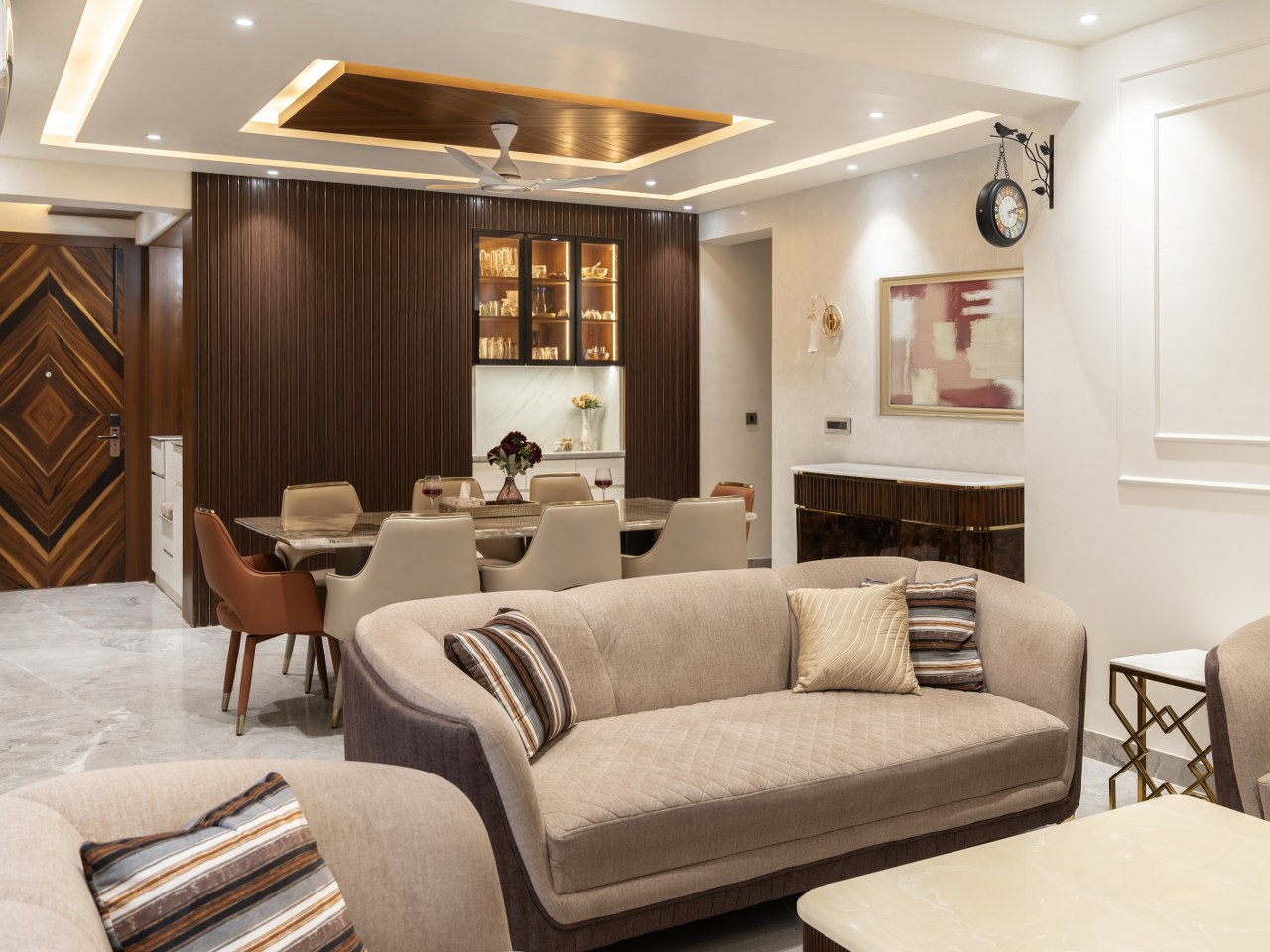
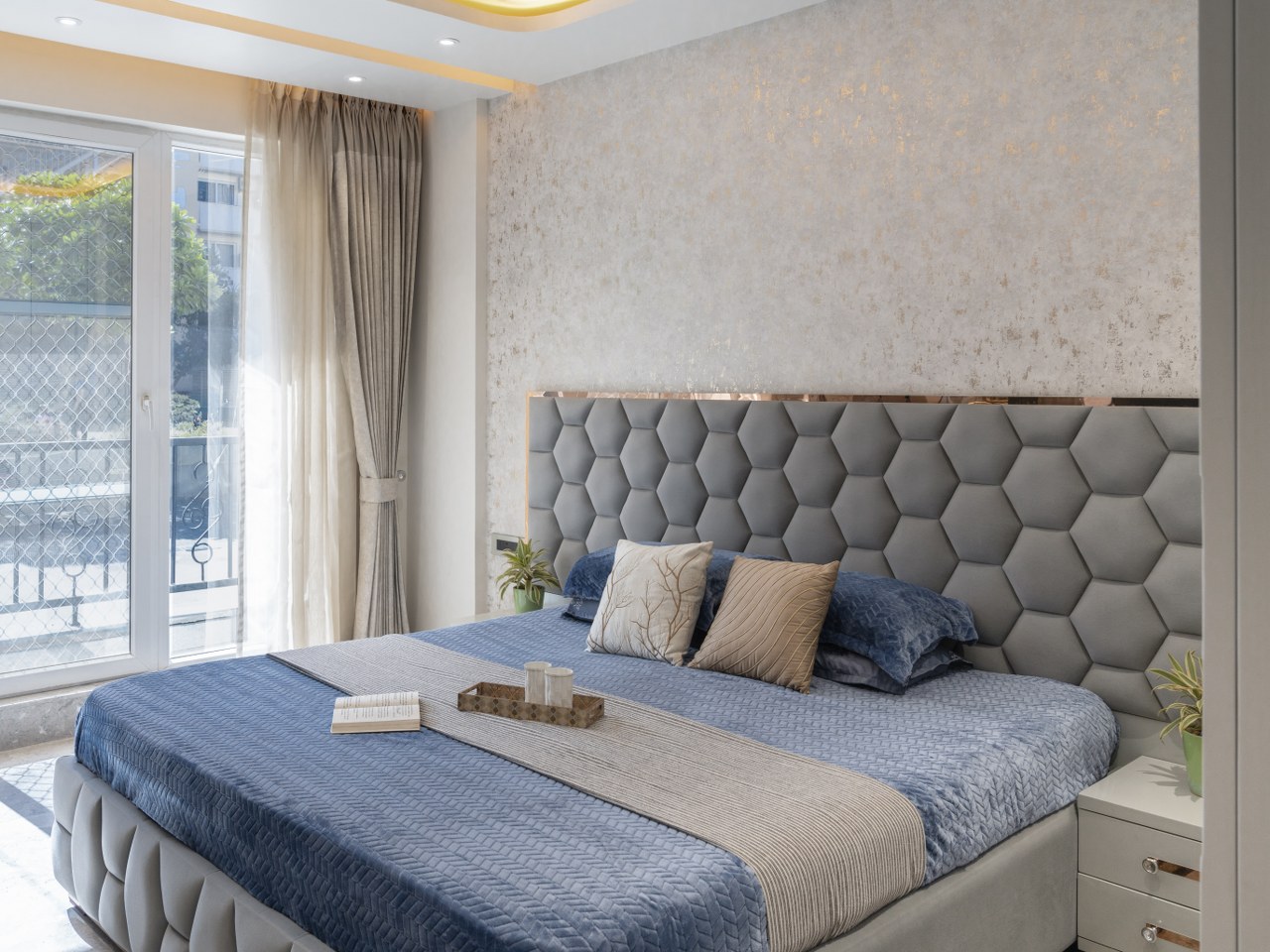
Interior design
Cozy Living Apartment
Professional Share Pages
Every video you create comes with a beautiful, shareable landing page. Ready to share on WhatsApp, Facebook, or anywhere - instantly after creation.
Automatic & Instant
Your share page is created automatically when your video is ready. All details are pulled from your Profile & Branding settings - set up once, and every video gets your professional touch.

Sarah Mitchell
Premier Realty Group
Luxury Beachfront Estate
742 Oceanview Drive, Malibu, CA 90265


What's on Your Share Page
All details are pulled from your Profile & Branding settings. Set up once, and every video gets your professional info.
Free vs Pro
How It Looks When Shared
Clients see a professional preview with property details & your info
Interested Buyer
online
Hi! I'm interested in the beachfront property

742 Oceanview Drive, Malibu
Virtual Tour by Sarah Mitchell
Here's the virtual tour!
Property image, address & your name shown in the preview
Everything You Need for Property Videos
Professional video creation tools designed specifically for real estate agents and brokers
PropertyCine AI Video Generation
Our AI creates cinematic motion from static photos - no videographer needed, save $500+ per property
Logo Watermark
Upload your logo with customizable position, size, and opacity controls for professional branding
Text Watermark
Add custom text like property address, your name, and phone number visible throughout the video
QR Code / Sticker
Add QR codes linking to your listing or contact info with smart auto-positioning
Profile Picture
Add your circular profile picture overlay for personal touch and face recognition
Aspect Ratio Options
Choose 16:9 for YouTube/websites or 9:16 for TikTok, Reels, and Stories
Background Music
Select from our curated music library or upload your own custom audio tracks - included free
YouTube Integration
One-click upload to your YouTube channel - great for MLS platforms like PropertyFinder & Bayut
Instant Download
Download your branded video in high quality MP4 format, ready for any platform
Mobile Optimized
Create and manage videos from any device - full PWA support for mobile
Fast Generation
Videos ready in approximately 5 minutes - PropertyCine AI works fast
Multi-Platform Ready
Perfect for MLS, Instagram, Facebook, TikTok, WhatsApp, and your website
Perfect For Every Platform
Create videos optimized for any channel your clients use
MLS Listings
PropertyFinder, Bayut, Zillow
Reels & Stories
YouTube
Direct upload
TikTok
Vertical videos
Your Website
Embed anywhere
Presentations
Impress clients
Simple, Transparent Pricing
Start free with 30 credits. Pay per video after that. No subscriptions. Credits never expire.
$4
per image
8 sec
per clip
8 max
photos per video
Example: A 5-photo listing video (40 seconds) costs just $20
View all pricing optionsTrusted by Real Estate Professionals
Join agents worldwide who are transforming their listings with PropertyCine
“My listings with PropertyCine videos get 3x more engagement. Clients love seeing properties come to life.”
Sarah M.
Luxury Agent, Beverly Hills
“I upload videos directly to YouTube for PropertyFinder listings. PropertyCine's one-click upload saves me hours every week.”
Ahmad K.
Senior Agent, Dubai
“The PropertyCine AI motion is incredibly realistic. My clients can't believe these are made from just photos.”
Jennifer R.
Team Lead, Miami
Frequently Asked Questions
Everything you need to know about PropertyCine
How long does it take to generate a video?
Videos are typically ready in about 5 minutes. PropertyCine AI processes each photo and creates smooth, cinematic motion. You'll receive a notification when your video is complete.
What photo formats and sizes work best?
We support JPG, PNG, and WebP formats. For best results, use high-resolution photos (at least 1920x1080). Interior, exterior, and aerial shots all work great. You can upload up to 8 photos per video.
Can I add my own branding to videos?
Yes! You can add your logo, custom text (like property address or your contact info), profile picture, and QR codes. All elements have customizable position, size, and opacity. The first branding change after video creation is free, then 1 credit (~$0.80) per change.
How does YouTube integration work?
Connect your YouTube channel once in the Branding settings. After that, you can upload any video directly to YouTube with one click. This is great for MLS platforms like PropertyFinder and Bayut that accept YouTube links.
What video formats can I choose?
You can create videos in 16:9 landscape format (perfect for YouTube and websites) or 9:16 portrait format (ideal for TikTok, Instagram Reels, and Stories). Choose the format when creating your video.
How much does a video cost?
Sign up and get 30 free credits — enough for a 3-photo video (15 credits) with credits left over for edits. Free trial videos are limited to 3 clips. After purchasing credits, you can create videos with up to 8 photos. A 5-photo video costs 25 credits (~$20).
Do credits expire?
No, your credits never expire — including the 30 free credits you get on signup. Buy more credits when you need them and use them at your own pace. Each photo costs 5 credits to convert into an 8-second video clip.
Can I add background music?
Yes! After your video is generated, you can add background music from our curated library or upload your own audio file (music or voiceover). The first 2 music changes are free. After that, each change costs 1 credit (~$0.80).
What if I'm not satisfied with a video?
Contact our support team and we'll work with you to resolve any issues. We want you to be completely satisfied with your property videos.
Still have questions? Contact support or read our Knowledge Base
Ready to Elevate Your Listings?
Join hundreds of agents creating stunning property videos with PropertyCine. Get 30 free credits when you sign up — enough for a full 3-clip video.
Start Free — 30 Credits, No Card Required