
Accessibility Standards for Real Estate Listing Videos: Ensuring Inclusivity
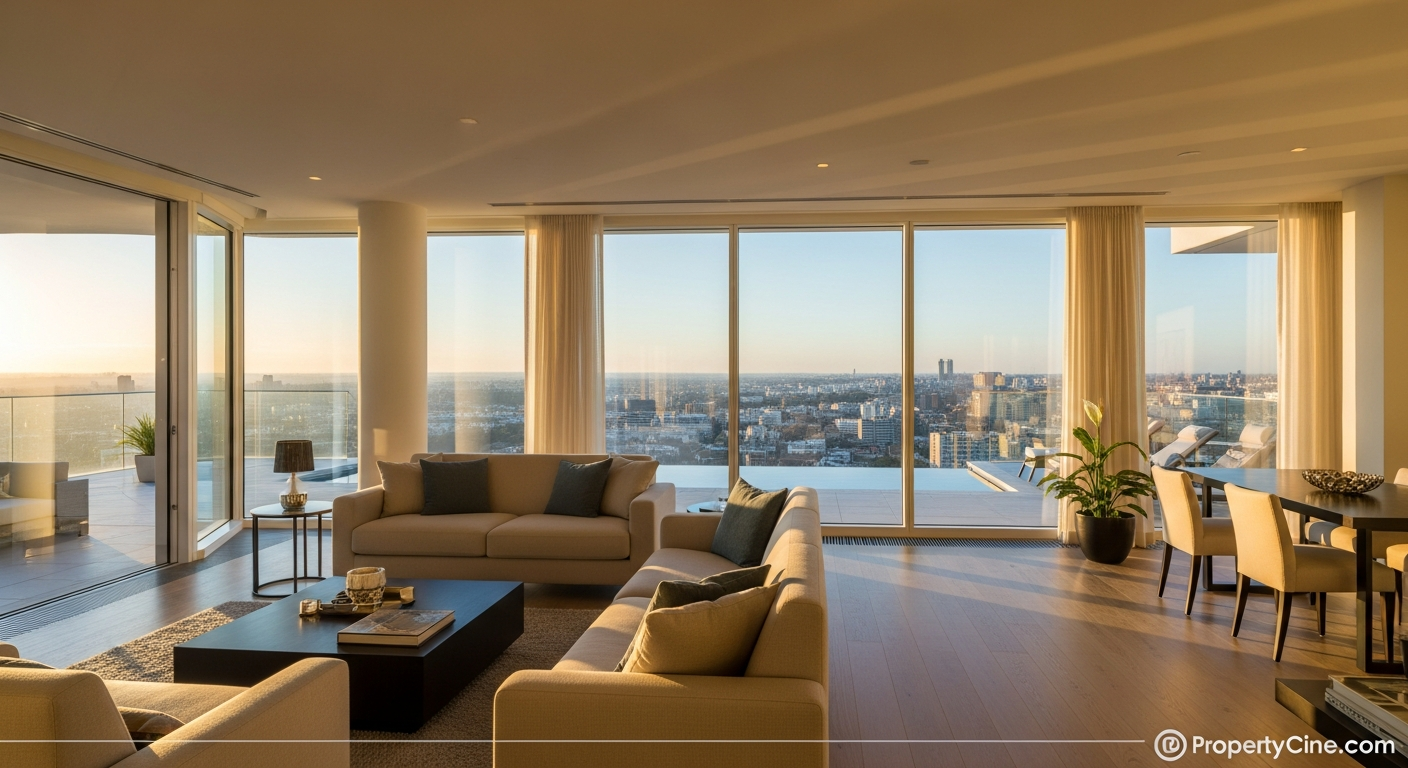
Accessibility Standards for Real Estate Listing Videos: Ensuring Inclusivity
In today's digital-first real estate market, video has become an indispensable tool for showcasing properties. However, the true power of video marketing lies not just in its visual appeal, but in its ability to connect with everyone. Overlooking accessibility in real estate listing videos means excluding potential buyers, diminishing your market reach, and potentially falling short of ethical and legal expectations.
Embracing accessibility standards is about more than compliance; it’s about creating a truly inclusive experience. By making your listing videos accessible, you open your properties to a broader audience, including individuals with visual or hearing impairments, those in noisy environments, or even non-native speakers who benefit from captions. This commitment to inclusivity can significantly enhance your brand reputation and attract a more diverse client base.
Why Prioritize Accessibility in Real Estate Video Marketing?
Integrating accessibility into your real estate video strategy offers several distinct advantages beyond basic compliance.
Expanding Your Audience Reach
A significant portion of the population benefits from accessible content. This includes individuals who are deaf or hard of hearing, blind or visually impaired, or those with cognitive differences. By adding features like captions, audio descriptions, and clear visual cues, you allow these individuals to fully engage with your property videos, unlocking a previously untapped segment of the market. This broadens your potential buyer pool and ensures no one is left out due to a technical barrier.
Enhancing User Experience for All Viewers
Accessibility features are not just for those with specific impairments. Captions, for instance, are widely used by viewers watching videos in public spaces, during commutes, or late at night without disturbing others. They also assist non-native English speakers or those in sound-sensitive environments. Descriptive audio can provide context even for fully sighted viewers who might be multitasking. Ultimately, an accessible video is a better video for everyone, offering flexibility in how it's consumed.
Boosting Your Brand Reputation
Real estate professionals who prioritize accessibility demonstrate a commitment to inclusivity and ethical practice. This can differentiate you in a competitive market, building trust and showcasing your brand as forward-thinking and socially responsible. Clients appreciate agents who go the extra mile to serve all community members, leading to positive word-of-mouth and a stronger brand image.
Navigating Legal and Ethical Compliance
While specific federal mandates for real estate listing videos on private platforms are still evolving, the spirit of the Americans with Disabilities Act (ADA) and the Fair Housing Act encourages equal access. Proactive adherence to web content accessibility guidelines (WCAG) not only mitigates potential legal risks but also reinforces your commitment to fair housing practices for all. Industry professionals report that video content with accessibility features can significantly improve engagement and user satisfaction, aligning with broader ethical considerations.
The A.C.C.E.S.S. Framework for Inclusive Real Estate Videos
To systematically approach video accessibility, consider implementing the A.C.C.E.S.S. Framework:
- Audience Awareness: Understand who benefits from accessible features.
- Captions & Transcripts: Essential for hearing-impaired viewers and noisy environments.
- Contrast & Clarity: Ensure visual elements are legible for low-vision viewers.
- Explanatory Audio Descriptions: Narrate key visual information for blind or visually impaired audiences.
- Structure & Simplicity: Organize content logically with clear pacing.
- Standards & Software: Utilize WCAG guidelines and appropriate tools.
Let's break down each element into actionable steps.
Implementing Accessibility: Practical Steps and Tools
Making your real estate listing videos accessible doesn't require reinventing your entire process. Small, deliberate changes can make a significant impact.
1. Captions and Transcripts: Making Audio Visible
Captions are the most fundamental accessibility feature for videos. They provide text versions of spoken words, on-screen text, and important sound effects.
- Manual vs. AI-Generated Captions:
- AI-Generated: Faster and cost-effective. While accuracy has improved, always review and edit for errors, especially property names or unique features. Many agents find that AI-powered tools can significantly speed up the initial captioning process.
- Tools for Captions:
- Online Captioning Services: Rev.com, Happy Scribe, Trint.
- Platform Features: YouTube Studio offers robust auto-captioning and editing tools. Social media platforms like Instagram and TikTok also provide auto-captioning options, which should still be reviewed for accuracy.
- AI-Driven Solutions: As AI in real estate video advances, tools that automatically generate and sync captions are becoming more sophisticated. For boosting video performance, leveraging AI analytics can also help refine content and improve viewer engagement, potentially including accessibility insights. Learn more about Boosting Real Estate Listing Video Performance with AI Analytics.
- Transcripts: Provide a full text version of the video content, useful for search engines and those who prefer reading. Often, a caption file (SRT) can be easily converted into a full transcript.
2. Audio Descriptions: Narrating Visuals
For viewers with visual impairments, audio descriptions narrate visual information that is not conveyed through the main audio. This includes details like the exterior architecture, interior design elements, property features, or neighborhood shots.
- When to Use: Primarily for videos where visual information is critical to understanding the property.
- How to Implement:
- Keep descriptions concise and objective. Focus on what is seen.
- Use dedicated platforms that support multiple audio tracks, or upload a separate "audio described" version.
3. Visual Considerations: Clarity and Readability
Ensure on-screen text, graphics, and visual cues are accessible.
- Text Overlays: Use clear, high-contrast fonts and colors. Avoid overly decorative or small fonts. Ensure text remains on screen long enough to be read.
- Color Contrast: Maintain sufficient contrast ratios between text and background colors (WCAG recommends 4.5:1 for normal text).
- Avoid Flashing Content: Rapidly flashing lights or images can trigger seizures in some individuals. Limit such effects or provide warnings.
4. Structure and Simplicity: Navigability and Pacing
A well-structured video benefits all viewers, especially those relying on descriptive audio or captions.
- Clear Narrative Flow: Organize your video logically, moving from exterior to interior, and highlighting key features in a consistent order.
- Pacing: Allow sufficient time for viewers to absorb visual information and read captions. Avoid rapid cuts that can be disorienting.
- Introduction and Conclusion: Clearly state what the video will cover and summarize key takeaways. For a comprehensive guide to maximizing your video output, review The Complete Guide to Real Estate Listing Video Success.
Templates for Accessible Video Marketing
Here are some copy-paste templates to integrate accessibility into your outreach.
Email Subject Line Templates
- Discover [Property Address]: An Accessible Video Tour Awaits You!
- Experience [Neighborhood] – Our Latest Listing Video, Now With Captions
- Inclusive Viewing: [Property Type] at [Property Address] – Video Tour
- Your Next Home Awaits: [Property Address] Video Tour (Accessible Features)
- Explore [Property Address] with Our Fully Accessible Listing Video
60-90 Second Video Script Template (with accessibility notes)
(Video opens with exterior drone shot or cinematic exterior pan - show property address clearly via text overlay)
[0-5 seconds] - Introduction & Hook
Narrator: "Welcome to [Property Address], a stunning [Number]-bedroom, [Number]-bathroom home nestled in the heart of [Neighborhood]. (Visual: Text overlay of "Welcome to [Property Address]")"
(Caption note: Ensure all spoken words are captioned. Add "[Sound of gentle background music]" or "[Ambient neighborhood sounds]" if relevant.)
[5-20 seconds] - Exterior & Key Features
Narrator: "From its charming [Exterior Style, e.g., Craftsman-inspired] facade to its meticulously landscaped [Yard Feature, e.g., low-maintenance garden], this property offers [Key Outdoor Benefit, e.g., tranquil outdoor living]. Notice the spacious [Deck/Patio] – perfect for entertaining."
(Visual: Pan across exterior, highlight unique architectural details, show garden/deck. Caption note: Describe specific visual elements that might not be obvious from audio alone.)
[20-40 seconds] - Interior Living Spaces
Narrator: "Step inside to a bright and airy [Room Name, e.g., open-concept living area] featuring [Feature 1, e.g., vaulted ceilings and a cozy fireplace]. The [Flooring Type] extends throughout, leading seamlessly into the modern [Kitchen/Dining Area], equipped with [Appliance Type, e.g., stainless steel appliances] and [Countertop Material, e.g., granite countertops]."
(Visual: Interior walkthrough, highlighting specified features. Caption note: If kitchen appliances are high-end brands, include that detail in captions or audio description for visually impaired. Describe room dimensions or unique built-ins.)
[40-60 seconds] - Bedrooms & Bathrooms
Narrator: "The primary suite is a true retreat, offering [Benefit, e.g., ample natural light and a private ensuite bath]. With [Number] additional well-appointed bedrooms and [Number] baths, there's space for everyone to thrive."
(Visual: Show primary bedroom, ensuite, then a glimpse of other bedrooms/bathrooms. Caption note: If bathroom has a walk-in shower or specific accessibility features, mention it.)
[60-75 seconds] - Neighborhood/Community & Call to Action
Narrator: "Located just minutes from [Local Amenity 1, e.g., Top-rated schools] and [Local Amenity 2, e.g., vibrant downtown shops], [Property Address] combines suburban comfort with urban convenience. This is more than a home; it's a lifestyle."
(Visual: Transition to a map or quick neighborhood montage. Text overlay with agent contact info.)
[75-90 seconds] - Closing
Narrator: "Ready to discover your dream home? Contact [Your Name/Team Name] at [Phone Number] or visit [Your Website] for a private showing. Don't miss this opportunity in [Neighborhood]!"
(Visual: Agent headshot/logo and full contact details. End screen with text overlay of "Contact [Your Name] | [Phone] | [Website]")
(Caption note: Ensure contact details are legible and read aloud for audio description.)
Social Media Caption Templates
- For a new listing video:
- Highlighting accessibility:
- Engaging question:
Compliance and Ethical Considerations
Beyond the practical steps, understanding the legal and ethical landscape is crucial. While specific guidelines for private real estate listing videos are still evolving, the spirit of the Fair Housing Act and ADA encourages equal opportunity and access. Proactively implementing accessibility standards demonstrates good faith and ensures you are reaching all qualified buyers. It's about setting a higher standard for your practice, building trust, and aligning with the core values of fair housing.
Quick Summary / Key Takeaways
- Wider Audience: Accessible videos reach more potential buyers, including those with disabilities or in specific viewing environments.
- Enhanced Brand: Prioritizing inclusivity builds trust and differentiates your brand as ethical and forward-thinking.
- Key Features: Implement captions, audio descriptions, clear visuals, and logical video structure.
- Utilize Tools: Leverage built-in platform features, editing software, and AI-powered services for efficiency.
- Proactive Compliance: Adhering to WCAG guidelines reduces risk and supports fair housing principles.
FAQ
Q1: What are the primary accessibility standards for videos?
The primary standards are often based on the Web Content Accessibility Guidelines (WCAG). Key aspects include providing text alternatives for audio (captions, transcripts) and audio alternatives for visual content (audio descriptions).
Q2: Why should I bother with video accessibility if it's not strictly mandated for private listings?
While specific mandates may vary, embracing accessibility expands your audience, improves user experience for all, enhances your brand's reputation for inclusivity, and aligns with ethical practices and the spirit of fair housing laws.
Q3: How can I easily add captions to my real estate listing videos?
Many platforms like YouTube offer automatic captioning that you can then review and edit for accuracy. Video editing software like Adobe Premiere Pro also has captioning tools. For higher accuracy, consider using professional captioning services or dedicated AI tools designed for transcribing.
Q4: What is an audio description, and when is it necessary for a listing video?
An audio description narrates important visual information in a video for viewers who are blind or visually impaired. It's necessary when visual details (e.g., architectural style, room layout, specific finishes) are crucial to understanding the property and are not fully conveyed by the main audio track.
Q5: Does making my real estate videos accessible require expensive equipment or software?
Not necessarily. Many basic tools for captions are free or built into platforms like YouTube. Professional services for high-quality audio descriptions might incur costs, but the return on investment through wider reach and enhanced brand image can be significant. Focusing on captions is a great starting point with minimal cost.
Q6: How does AI contribute to video accessibility for real estate?
AI can significantly aid accessibility by automatically generating captions, translating content, and even identifying key visual elements that could be included in an audio description. AI-powered tools like PropertyCine simplify video creation, freeing up time to focus on refining accessibility features.
Q7: Should I use open or closed captions for my listing videos?
Closed captions (CC) are generally preferred as they can be toggled on or off by the viewer, offering choice. Open captions are always visible. Ensure whichever you choose, they are clear, legible, and accurate.
Q8: Can accessibility features like captions also help with SEO?
Yes, absolutely. Search engines can index the text from captions and transcripts, which provides more context about your video content. This can improve your video's visibility in search results, helping potential buyers find your property.
Ready to create stunning, inclusive property videos efficiently? PropertyCine transforms your listing photos into cinematic videos using AI, giving you more time to focus on accessibility. Try PropertyCine free today and start creating accessible, engaging real estate content.
Continue Your Learning
Explore more insights from our real estate marketing blog:
- Virtual Staging in Real Estate Listing Videos: Reality vs. Enhanced Vision
- Drone Video for Real Estate Listings: Elevate Your Property Marketing
- Top Real Estate Listing Video Trends to Watch in 2026
Ready to transform your property listings? PropertyCine makes it easy to create stunning cinematic videos from your listing photos. Get started free today.


Turn Your Listing Photos Into Stunning Videos
Upload your property photos and our AI creates cinematic videos with natural motion - curtains sway, water ripples, light shifts. Ready in ~5 minutes.
Try Free - No Credit CardContinue Reading
PropertyCine Team
Expert insights on real estate video marketing and AI technology.
Related Articles
Navigating Real Estate Video Marketing Compliance: Your Essential Guide
Crafting an Effective Real Estate Economic Outlook Video Strategy

Navigating Uncertainty: Your Guide to Real Estate Economic Outlook Video
Creating Impactful Real Estate Economic Outlook Video: Your Guide to Market Authority
Authenticity in AI Real Estate Video: Building Trust in 2026
Ensuring Ethical AI Practices in Real Estate Video Production
Create Stunning Property Videos Today
Transform your listing photos into cinematic videos with AI.
Get Started Free