
AI Video Editing for Real Estate Agents: Streamline Your Workflow
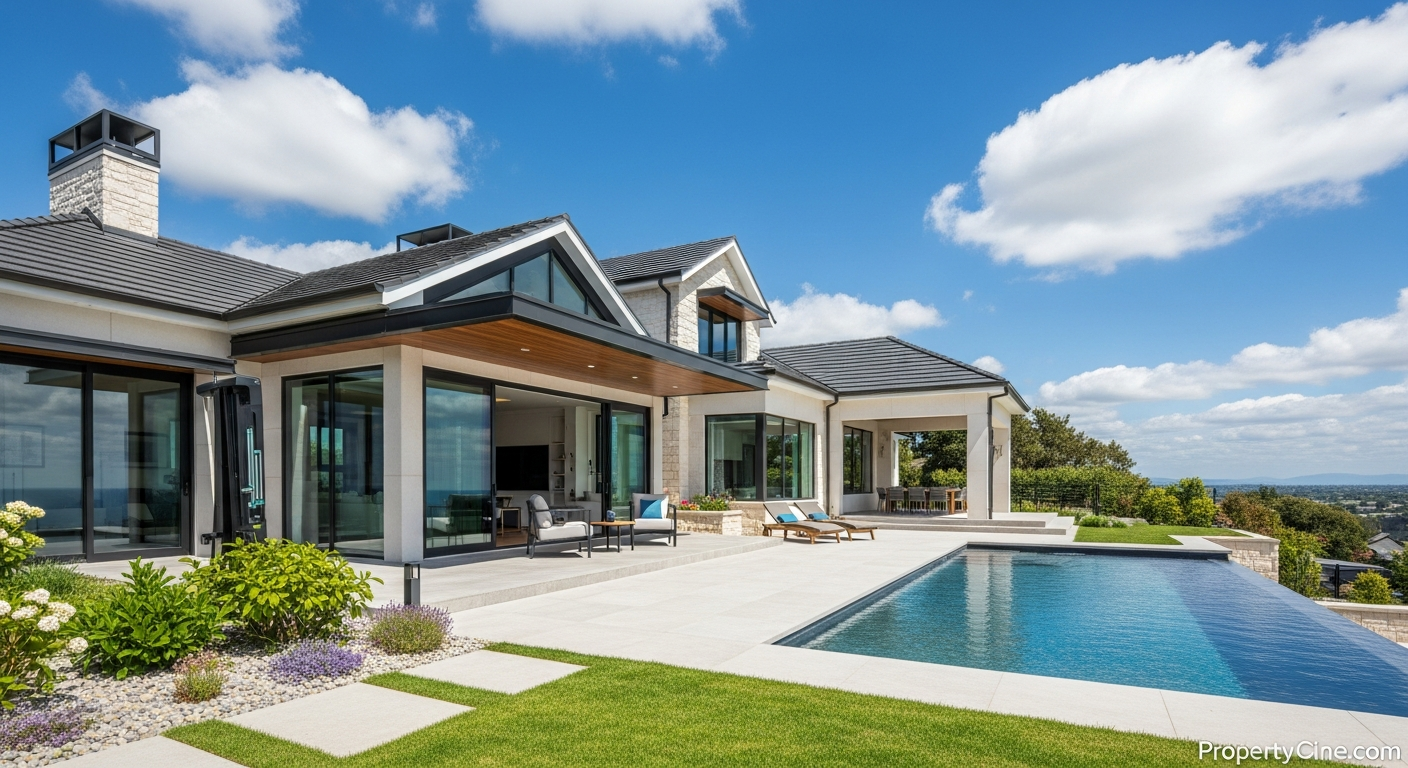
The demands on modern real estate agents are higher than ever. From managing listings and client relationships to mastering digital marketing, every minute counts. Creating compelling property videos has become a cornerstone of effective marketing, but the time and skill required for traditional video editing can be daunting. This is where AI video editing for real estate agents steps in, offering a revolutionary path to efficiency and professional-grade content.
AI-powered tools are not just a futuristic concept; they are a practical solution for agents looking to streamline their workflow, reduce production time, and produce high-quality listing videos that capture attention and drive engagement.
The Power of AI Video Editing for Real Estate Agents
Gone are the days when sophisticated video production was exclusive to those with professional editing suites and extensive training. AI has democratized video creation, making it accessible and effective for every agent. By automating repetitive and complex tasks, AI tools allow agents to focus on what they do best: selling properties and building relationships.
Beyond Basic Edits: What AI Can Do
AI video editing goes far beyond simple cuts and transitions. These intelligent tools can perform a range of sophisticated tasks:
* Automated Scene Selection: AI can analyze footage and automatically select the most engaging clips, removing shaky or uninteresting segments.
* Intelligent Color Correction: Enhance lighting and color balance for a professional, consistent look across all your property videos.
* Dynamic Music Synchronization: AI can match music beats to video cuts and transitions, creating a more professional and impactful viewing experience without manual timing.
* Virtual Staging & Object Removal: Some advanced AI tools can digitally stage empty rooms or even remove unwanted objects from your footage.
* Automated Voiceovers and Subtitles: Convert property descriptions into natural-sounding voiceovers and generate accurate captions, enhancing accessibility and reach. Learn more about this in our guide on AI Voiceovers for Real Estate Videos: Elevate Your Listings & Engagement.
* Highlight Reel Generation: Quickly identify and compile the most impactful moments of a property tour into a concise highlight video.
By offloading these time-consuming tasks to AI, agents can significantly reduce their post-production workload, allowing for more listings, more client interactions, and faster market response.
The "RAPID" Workflow Framework for AI Video Production
To truly leverage AI video editing for real estate agents, consider integrating it into a structured workflow. We propose the "RAPID" framework, a five-step process designed to maximize efficiency and impact.
R: Refine Raw Footage
Before AI can work its magic, start with good raw material. This means capturing clear photos or video clips of your property. While AI can correct many imperfections, a solid foundation makes for a superior final product. Ensure good lighting and angles during your shoot.
A: Automate Assembly
This is where AI takes the lead. Upload your raw photos and video clips to your chosen AI video editing platform. The AI will then analyze, sequence, and begin to assemble the narrative. It identifies key features, applies smart cuts, and creates a logical flow for the property tour. For instance, PropertyCine takes your listing photos and transforms them into cinematic video tours, completely automating the assembly process.
P: Personalize Production
Once the AI provides a draft, it's time to add your personal touch. Customize branding, choose music from royalty-free libraries, and add text overlays highlighting unique property features. This ensures the video aligns with your brand identity and speaks directly to your target audience. Think about how you can integrate your unique selling proposition into the video's narrative.
I: Integrate Intelligent Enhancements
Go beyond basic production. Utilize AI to add voiceovers describing the property, generate closed captions for accessibility, or even incorporate dynamic text animations that draw attention to crucial details. Some platforms offer advanced features like virtual walkthroughs generated from 2D images, providing a more immersive experience. For a broader look at smart video content, explore AI for Real Estate Video Content Strategy: Smart Moves for 2026.
D: Distribute & Develop
The final step is to share your polished video and learn from its performance. Upload to all relevant platforms – your website, social media, MLS, and email campaigns. Analyze engagement metrics to understand what resonates with viewers. This feedback loop helps you refine your approach for future listings, continuously improving your real estate video strategy.
Choosing the Right AI Video Editing Tools: A Comparison
The market for AI video editing tools is growing. Selecting the right one depends on your specific needs, technical comfort, and budget.
PropertyCine: AI-Powered Listing Video Creator
PropertyCine specializes in transforming static listing photos into dynamic, cinematic video tours. It's designed for agents who want professional-quality property videos with minimal effort. Simply upload your photos, and AI handles the editing, music, and transitions, delivering a ready-to-share video. It's an ideal solution for consistent, high-volume property video creation.
Other AI-Assisted Tools
While PropertyCine focuses specifically on listing photos to video, other tools offer broader video editing capabilities with AI features:
| Feature | PropertyCine (Focus) | General AI Video Editor (Broader) |
|---|---|---|
| Input | Static listing photos | Video clips, photos, audio |
| Automation Level | High (full video generation) | Moderate to High (assists editing) |
| Output Focus | Cinematic property tours | Diverse video types, creative freedom |
| Learning Curve | Very Low | Low to Moderate |
| Primary Benefit | Speed, consistency, ease for listings | Flexibility, advanced creative control |
When evaluating any tool, consider:
* Ease of Use: How quickly can you go from raw footage to a finished video?
* Feature Set: Does it offer the specific AI capabilities you need (e.g., voiceovers, color correction, virtual staging)?
* Output Quality: Does the final video meet your professional standards?
* Cost: Does it fit within your marketing budget?
Copy-Paste Templates for Your AI-Powered Videos
Once your AI has done the heavy lifting, you need to share your video effectively. Here are some templates to get you started. Remember to replace bracketed information `[ ]` with your specific details.
Email Subject Lines for Video Content
60-90 Second Listing Video Script Template
(Approx. 150-200 words)
(Video opens with an exterior shot of the property, followed by a dynamic cut to a key interior feature like the living room or kitchen.)
Voiceover: "Welcome to [Property Address], a stunning [Property Type] nestled in the heart of desirable [Neighborhood]. Imagine your life here, where comfort meets convenience."
(Transition to living room/kitchen showcasing open plan or unique features.)
Voiceover: "Step inside and discover [mention a key feature, e.g., the bright, open-concept living space perfect for entertaining / the chef's kitchen with [specific appliance/feature]]. Every detail has been thoughtfully designed for modern living."
(Transition to master bedroom/bathroom, focusing on luxury or comfort.)
Voiceover: "Retreat to your private sanctuary. The [Master Bedroom/Primary Suite] offers [mention a luxury feature, e.g., ample space and natural light / a spa-like ensuite bathroom for ultimate relaxation]."
(Transition to outdoor space or a unique amenity like a home office/gym.)
Voiceover: "And it doesn't stop there. Enjoy [mention outdoor feature, e.g., the spacious backyard ideal for summer barbecues / the tranquil patio perfect for morning coffee]. Located just moments from [mention local amenity, e.g., top-rated schools, vibrant dining, or scenic parks], this home offers the best of [Neighborhood] living."
(Final shots of the property, perhaps a sweeping exterior or a captivating highlight reel.)
Voiceover: "Ready to make [Property Address] your new home? Contact [Your Name/Team Name] today to schedule a private showing. Don't miss this opportunity to live your dream."
Social Media Caption Templates
For a New Listing Video (Instagram/Facebook):
"🏡 New Listing Alert! Take a captivating video tour of our latest property at [Property Address] in [Neighborhood]. This [Property Type] offers [mention 1-2 key features, e.g., a modern design and a spacious backyard]. Swipe up/Link in bio to watch the full cinematic experience! #RealEstate #NewListing #[Neighborhood]Homes #[YourCity]RealEstate #PropertyTour"
For a Market Update Video (LinkedIn/Facebook):
"Staying informed is key in today's market. We've just released a quick video update on [specific market segment, e.g., 'single-family homes in the [X] price range'] in [City/Region]. Get insights into [mention what the video covers, e.g., 'recent sales trends and what it means for buyers/sellers']. Watch here: [Link to Video] #RealEstateMarket #MarketUpdate #RealEstateInsights #AgentTips"
For an Agent Introduction/Brand Video (Any Platform):
"Hello from [Your Name/Team Name]! In this quick video, I share a bit about [mention topic, e.g., 'my commitment to client success / what makes [Your Company] different']. My goal is to help you navigate the [Your City] real estate market with confidence. Let's connect! [Link to Website/Contact] #RealEstateAgent #ClientFocused #LocalExpert #[YourCity]RealEstate"
Ethical Considerations in AI Video Production
While AI video editing for real estate agents offers immense advantages, it's crucial to consider ethical implications. Transparency is paramount. If you use virtual staging or object removal, disclose it appropriately. Ensure all AI-generated content accurately reflects the property and doesn't mislead potential buyers. For a deeper dive, consult our guide on Ethical AI in Real Estate Video Production: A Realtor's Guide. Always prioritize honesty and compliance with fair housing regulations.
FAQ
Q1: What is AI video editing for real estate agents?
A1: AI video editing uses artificial intelligence to automate various tasks in video production, such as selecting clips, adding music, correcting colors, and generating voiceovers, specifically tailored for creating real estate property videos and tours.
Q2: How does AI video editing save time for agents?
A2: AI automates repetitive and time-consuming manual editing tasks like sequencing clips, synchronizing music, and applying consistent visual styles. This allows agents to produce professional-quality videos in a fraction of the time compared to traditional methods.
Q3: Do I need professional video equipment to use AI video editing?
A3: Not necessarily. Many AI video editing tools, like PropertyCine, can create stunning videos from high-quality still photos taken with a good smartphone or professional camera. For video footage, a modern smartphone or basic DSLR can provide excellent raw material.
Q4: Can AI tools create voiceovers for my real estate videos?
A4: Yes, many advanced AI video editing platforms offer text-to-speech capabilities, allowing you to input property descriptions and generate natural-sounding voiceovers without needing to record your own.
Q5: Is AI video editing expensive for real estate agents?
A5: The cost varies greatly depending on the tool's features and subscription model. Many platforms offer tiered pricing, including free trials or basic plans, making it accessible for agents with different budgets. The time saved often justifies the investment.
Q6: Can AI video editing help with video marketing on social media?
A6: Absolutely. AI tools can quickly generate multiple video formats and lengths optimized for platforms like Instagram Reels, TikTok, YouTube Shorts, and Facebook, making it easier to maintain a consistent and engaging social media presence.
Q7: What are the main benefits of using AI for real estate listing videos?
A7: The primary benefits include significant time savings, consistent professional quality across all listings, enhanced engagement from potential buyers, broader reach through multiple platforms, and the ability to scale video content production without hiring an editor.
Q8: How can I ensure my AI-edited videos still feel personal and authentic?
A8: While AI handles the automation, you maintain creative control over the final product. Personalize videos by adding your branding, choosing music that reflects your style, and incorporating your unique voice in scripts or text overlays. Always review and approve the AI-generated draft to ensure it aligns with your vision.
Key Takeaways
* Efficiency: AI video editing dramatically cuts down the time and effort required to produce high-quality real estate videos.
* Quality: Achieve cinematic quality, consistent branding, and engaging visuals without needing advanced editing skills.
* "RAPID" Workflow: Utilize the Refine, Automate, Personalize, Integrate, Distribute framework for optimal results.
* Strategic Advantage: Leverage AI to create more content, respond faster to market changes, and enhance your digital presence.
* Ethical Practice: Always ensure transparency and accuracy in your AI-generated video content.
Ready to transform your listing photos into captivating video tours with unparalleled ease? Start enhancing your real estate video strategy today. Get the PropertyCine Quick Start Video Template Pack and try PropertyCine free to see how effortless cinematic video creation can be.
Continue Your Learning
Explore more insights from our real estate marketing blog:
- Revolutionizing Real Estate: The Power of Apple Vision Pro Real Estate Tours
- Digital Twin Video Marketing Real Estate: The Future of Property Showcases
- How Hyperlocal Video Marketing for Real Estate Agents Builds Trust and Leads
Ready to transform your property listings? PropertyCine makes it easy to create stunning cinematic videos from your listing photos. Get started free today.


Turn Your Listing Photos Into Stunning Videos
Upload your property photos and our AI creates cinematic videos with natural motion - curtains sway, water ripples, light shifts. Ready in ~5 minutes.
Try Free - No Credit CardContinue Reading
PropertyCine Team
Expert insights on real estate video marketing and AI technology.
Related Articles
Elevate Your Strategy: The AI Co-Pilot for Real Estate Video Marketing
AI-Powered Lead Nurturing Video Real Estate: Beyond Broadcast
Mastering Real Estate Agent Micro-Influencer Video: Become Your Local Community's Go-To Expert
How Real Estate Agents Can Create Authentic Video Content for Unmatched Trust
Real Estate Market Expert Video Strategy: Becoming Your Local Authority
AI Video Prospecting Tools for Real Estate: Boost Your Lead Pipeline
Create Stunning Property Videos Today
Transform your listing photos into cinematic videos with AI.
Get Started Free