
Mastering Property Video Editing: A Complete Guide
In today's competitive real estate market, compelling visuals are paramount. While capturing great footage is the first step, it’s the property video editing process that truly transforms raw clips into a captivating story. A well-edited video can significantly enhance a listing, providing potential buyers with an immersive experience that photos alone cannot achieve.
Many real estate agents understand the impact of video but find the editing process daunting. Poorly edited videos, with choppy transitions, inconsistent audio, or amateur graphics, can detract from a property's appeal. The good news is that with the right approach and tools, you can create professional-grade listing videos that resonate with your audience and make your properties shine.
This guide will walk you through the essential steps and strategies for effective property video editing, helping you elevate your real estate marketing efforts.
The S.C.O.P.E. Framework for Property Video Editing Success
To simplify the editing process and ensure professional results, we've developed The S.C.O.P.E. Framework. This methodical approach ensures every aspect of your property video content is thoughtfully crafted.
S: Story & Structure
Every great property video tells a story. Before you even open your editing software, consider the narrative you want to convey.
- Identify the Property's Unique Selling Proposition (USP): What makes this home special? Is it the view, the kitchen, the neighborhood, or a unique architectural feature?
- Outline the Flow: Plan the sequence of your shots. A typical structure might be:
2. Exterior Tour: Front yard, curb appeal, neighborhood context.
3. Interior Walkthrough: Living areas, kitchen, bedrooms, bathrooms.
4. Special Features: Unique amenities, outdoor living spaces.
5. Closing: Call to action, agent branding.
- Know Your Audience: Tailor the story to who you believe the ideal buyer is. A family home needs a different narrative than an urban loft.
C: Cuts & Transitions
The way you connect clips dictates the pacing and professionalism of your video.
- Purposeful Cuts: Every cut should serve a purpose, either to advance the story, change perspective, or remove unnecessary footage. Avoid lingering too long on static shots.
- Seamless Transitions:
- Cross Dissolves/Fades: Ideal for a softer, more luxurious feel between scenes or at the beginning/end.
- Whip Pans/Wipes: Generally avoid, as they can look amateurish unless used for a specific stylistic choice.
- Match Action: If a person is moving from one room to another, match their action between cuts to create a continuous flow.
- Trim Excess: Be ruthless. Remove shaky footage, awkward pauses, and anything that doesn't add value.
O: Overlays & Graphics
These elements enhance professionalism, provide key information, and strengthen your branding.
- Branded Intro/Outro: A short, professional animation (5-10 seconds) with your logo, contact information, and the property address.
- Lower Thirds: Use these for agent name, property address, key features, or neighborhood highlights. Keep text concise and readable.
- Text Overlays: Highlight dimensions, price, or unique amenities. Choose clean, legible fonts that match your brand.
- Visual Cues: Arrows or subtle graphic elements can guide the viewer's eye to important details.
- Color Grading/Correction: Adjust colors to ensure consistency across clips and enhance the property's natural light and appeal. A consistent look is crucial for a professional finish.
P: Pacing & Music
The rhythm and sound of your video are crucial for engaging viewers.
- Pacing:
- Slow Pacing: Creates a sense of luxury, space, and allows viewers to absorb details.
- Vary Pacing: Mix longer takes of key rooms with quicker cuts of smaller details to maintain interest.
- Background Music:
- Mood Matching: Choose music that complements the property's style and the overall tone of the video (e.g., upbeat for a modern loft, classical for a historic estate).
- Volume Control: Ensure music is audible but doesn't overpower narration (if any) or natural ambient sounds. Fade in and out smoothly.
- Sound Design: Beyond music, consider ambient sound. Soft natural sounds can enhance the experience. Remove harsh background noise.
E: Export & Optimize
The final steps ensure your video looks great wherever it's shared.
- Resolution: Export in 1080p (Full HD) as a minimum; 4K if your footage supports it and your platforms can handle it.
- File Format: MP4 (H.264 codec) is the industry standard for web and social media.
- Compression: Balance file size with quality. Most platforms will compress your video, so start with a high-quality export.
- Platform-Specific Optimization:
- Social Media (Instagram Reels, Facebook, TikTok): Shorter, vertical or square formats often perform better. Add captions as many watch without sound.
- Thumbnail: Create an eye-catching custom thumbnail that accurately represents the video's content and encourages clicks.
Choosing Your Property Video Editing Tools
The market offers a range of tools, from professional software to automated solutions.
| Tool Type | Pros | Cons | Best For |
|---|---|---|---|
| Professional Software | Full creative control, advanced features | Steep learning curve, time-consuming | Experienced editors, high-budget productions |
| (e.g., Adobe Premiere Pro, Final Cut Pro) | High-quality output, extensive plugins | Expensive subscriptions, powerful hardware needed | Agents with dedicated editing time/skills |
| Simpler Editors | Easier to learn, more affordable | Limited features, less customization | Beginners, quick edits, social media clips |
| (e.g., DaVinci Resolve (free), InShot, CapCut) | Good for basic cuts, text, music | May lack advanced color grading or effects | Agents on a budget, mobile editing |
| AI-Powered Automation | Extremely fast, minimal effort required | Less creative control, standardized outputs | High volume of listings, time-strapped agents |
| (e.g., PropertyCine ) | Consistent quality, professional look | Requires good source photos/videos | Agents prioritizing efficiency & consistency |
When to use AI-Powered Automation: If you have high-quality photos but lack the time or expertise for manual video editing, tools that convert photos into cinematic videos can be incredibly efficient. They ensure brand consistency and professional production value without the manual effort.
Actionable Templates for Your Property Videos
Here are some copy-paste templates to streamline your video marketing efforts.
1. Email Subject Line Templates
Use these to grab attention when sharing your new property videos.
- New Listing Video Tour: [Property Address] – Experience [Neighborhood] Living
- Exclusive Video Preview: Your Dream Home Awaits at [Property Address]
- Just Listed! Don't Miss the [Property Type] Video Tour in [Neighborhood]
- Walk Through [Property Address] Virtually – New Video Available!
- [Agent Name] Presents: A Cinematic Tour of [Property Address]
2. 60-90 Second Property Video Script Template
This template focuses on a property tour, highlighting key features.
(Video opens with an impressive exterior shot – drone, wide angle, or unique curb appeal)
Narrator (upbeat, professional tone): "Welcome to [Property Address], a stunning [Number]-bedroom, [Number]-bathroom residence nestled in the heart of desirable [Neighborhood Name]. I'm [Your Name], and I'm excited to show you why this home perfectly blends modern comfort with timeless elegance."
(Cut to interior shot of main living area – bright, spacious)
Narrator: "Step inside and discover the expansive open-concept living space, bathed in natural light. Imagine evenings by the [Fireplace Type, if applicable] or entertaining guests in this inviting atmosphere."
(Cut to kitchen – focus on key features like island, appliances)
Narrator: "The gourmet kitchen is a chef's delight, featuring [Key Feature 1, e.g., quartz countertops], [Key Feature 2, e.g., stainless steel appliances], and ample storage. It's truly the heart of the home."
(Cut to master bedroom or a unique feature)
Narrator: "Retreat to the luxurious master suite, a private oasis offering [Specific Benefit, e.g., serene views, spa-like ensuite]. Each detail has been thoughtfully designed for comfort and relaxation."
(Cut to outdoor living space – patio, backyard, garden)
Narrator: "Beyond the interior, the [Garden/Patio/Yard type] provides the perfect setting for outdoor enjoyment. Whether it's morning coffee or weekend barbecues, this space is an extension of your living."
(Quick cuts of 2-3 other key selling points – e.g., office, community amenity, school proximity graphic)
Narrator: "With [Unique Selling Point 1], [Unique Selling Point 2], and a prime location near [Local Landmark/Amenity], this home offers an unparalleled lifestyle."
(Video closes with property exterior again, then branded outro with contact info)
Narrator: "Ready to experience [Property Address] for yourself? Contact me, [Your Name] at [Your Phone Number] or visit [Your Website] to schedule your private showing. Don't miss the opportunity to make this exquisite property your new home."
3. Follow-Up Message Templates (Post-Video View)
Use these when someone has viewed your video, perhaps from an email link or social media.
- Email/DM: "Hi [Prospect Name], thanks for checking out the video tour of [Property Address]! What stood out to you the most? I'd love to answer any questions you have or schedule a live showing."
- Text Message: "Just saw you viewed the video for [Property Address]! Let me know if you have any initial thoughts or questions. Happy to help!"
Ethical Considerations in Property Video Editing
Credibility is paramount in real estate. Ensure your property video editing practices are transparent and honest.
- Authenticity: Never misrepresent a property's condition or features. Avoid filters that drastically alter colors or lighting to make a space appear larger or brighter than it is.
- Disclosure: If using drone footage, ensure you have appropriate permissions and adhere to local regulations.
- Privacy: Be mindful of privacy in neighborhood shots; avoid showing identifiable individuals without consent.
FAQ: Your Property Video Editing Questions Answered
Q1: How long should a property video be?
Most successful property videos range from 60 seconds to 3 minutes. For social media, aim for 15-60 seconds. Longer videos (3-5 minutes) are generally reserved for luxury properties or in-depth neighborhood tours on platforms like YouTube.
Q2: Do I need professional software for property video editing?
Not necessarily. While professional software offers maximum control, user-friendly editors and AI-powered tools can produce high-quality results with less effort. Choose based on your skill level, time commitment, and desired output quality.
Q3: What's the most important aspect of a great property video?
Storytelling. Beyond just showcasing rooms, a great video tells the story of what it's like to live in that home and neighborhood. Smooth pacing, clear visuals, and appropriate music all contribute to this narrative.
Q4: Can I edit property videos on my phone?
Yes, modern smartphones and mobile editing apps (like InShot, CapCut, or even TikTok/Reels native editors) are capable of producing decent property videos, especially for social media-first content.
Q5: How do I choose the right music for my property video?
Select royalty-free music that matches the property's style and mood. Avoid overly dramatic or generic corporate tracks. Test different options to see which best enhances the visual experience without distracting the viewer.
Q6: What's the difference between YouTube and Instagram for property videos?
YouTube is ideal for longer, more detailed property tours and evergreen content, allowing for better SEO. Instagram (especially Reels) is for shorter, more engaging clips, often watched without sound, requiring strong visuals and on-screen text.
Q7: Should I use voiceovers or text overlays?
Both can be effective. Voiceovers provide a personal touch and detailed descriptions, while text overlays are great for quick facts and for viewers watching without sound. A combination can often be the most impactful.
Q8: What common editing mistakes should I avoid?
Avoid shaky footage, abrupt transitions, inconsistent lighting, poor audio quality, and overcrowding the video with too many special effects or text. Keep it clean, professional, and focused on the property.
Key Takeaways
- Plan Your Story: Define the narrative and flow before you start editing.
- Focus on Quality: Ensure clean cuts, smooth transitions, and consistent color grading.
- Brand Consistently: Use branded intros/outros and clear graphics.
- Pace and Sound: Match music and pacing to the property's vibe.
- Optimize for Platform: Export and customize for where your video will be viewed.
Ready to transform your property photos into cinematic video experiences without the hassle of complex editing software? Discover how AI-powered solutions can create stunning property videos in minutes.
Ready to elevate your listings with professional video? Get your [Property Video Editing Checklist & Template Pack] today or learn more about seamless property video creation at PropertyCine.


Turn Your Listing Photos Into Stunning Videos
Upload your property photos and our AI creates cinematic videos with natural motion - curtains sway, water ripples, light shifts. Ready in ~5 minutes.
Try Free - No Credit CardContinue Reading
Related Articles
Elevating Luxury Real Estate Video Storytelling: The 4 C's Framework
Top Real Estate Video Marketing Conversion Strategies for Agents in 2026
How AI Video Optimization for Real Estate Listings Boosts Engagement
Luxury Property Video Marketing AI: Elevate High-End Listings
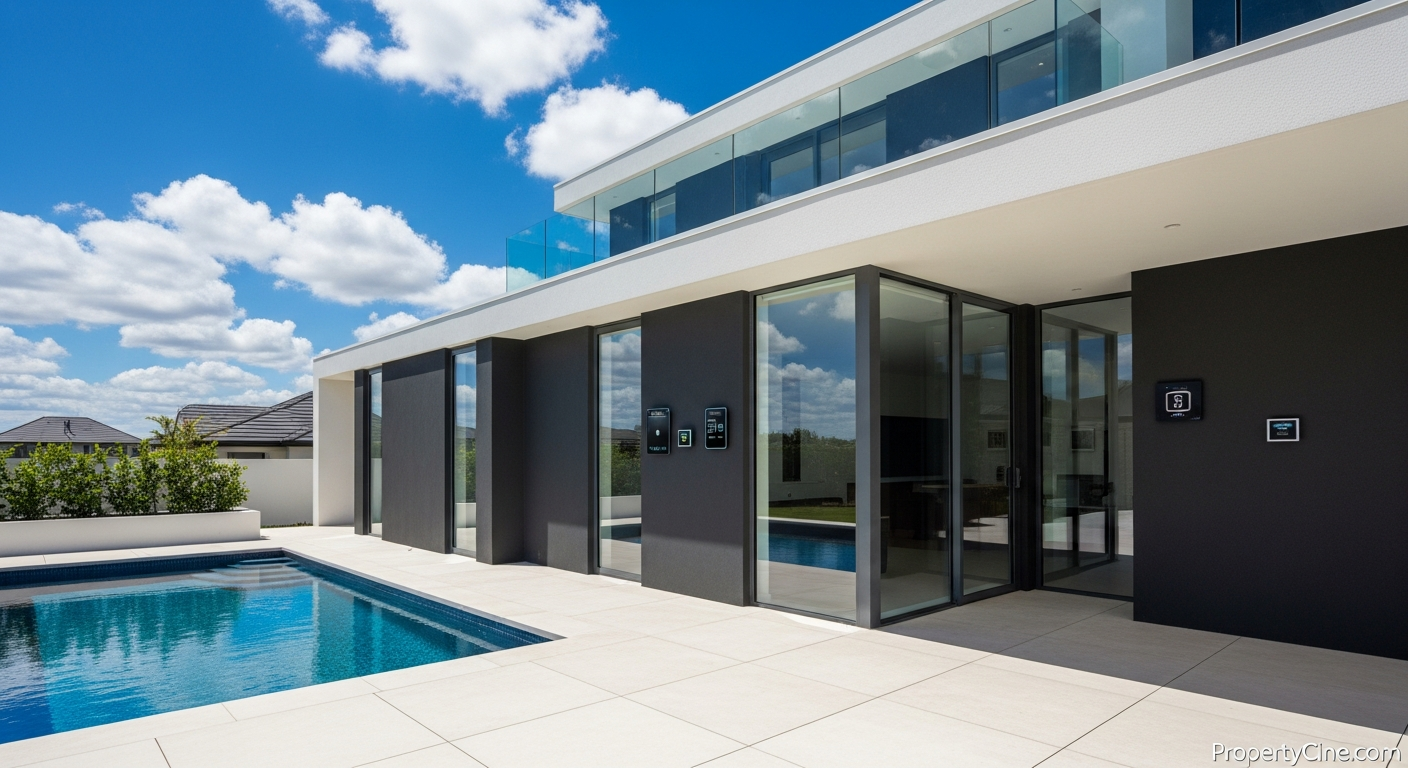
Tailoring Tours: How Real Estate Video for First-Time Homebuyers AI Can Help
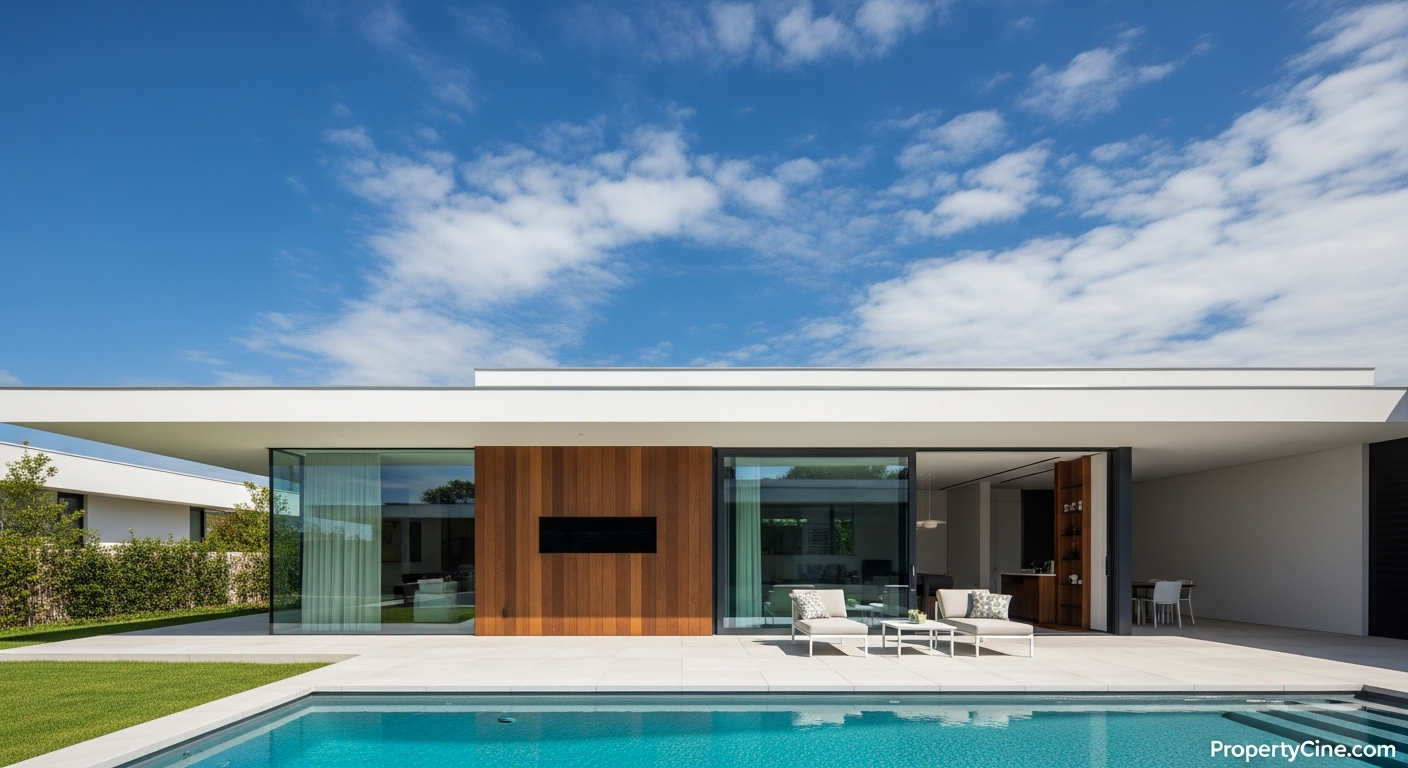
Sustainable Home Features Video Marketing: Showcasing Green Value
Create Stunning Property Videos Today
Transform your listing photos into cinematic videos with AI.
Get Started Free