
Real Estate Listing Video Walkthrough Best Practices 2026: The S.C.O.P.E. Framework
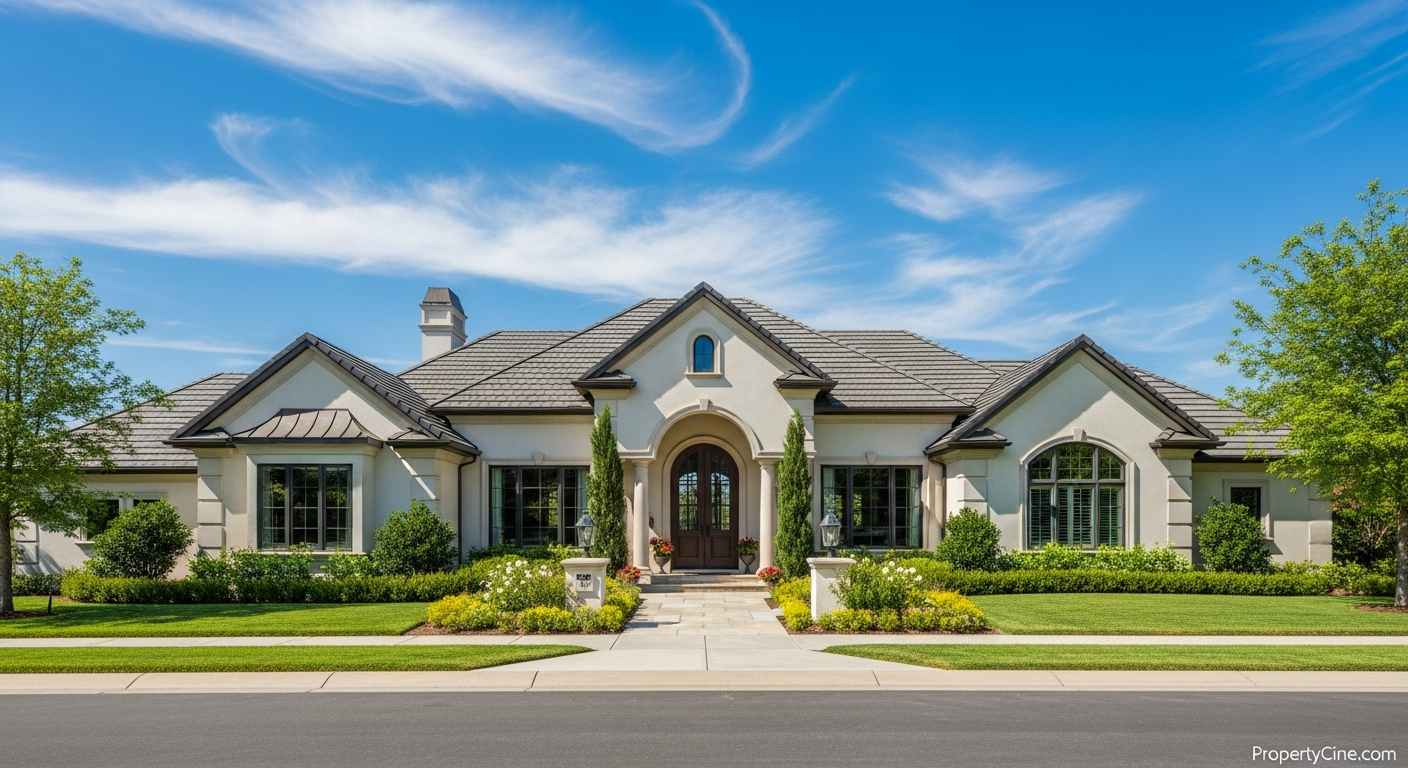
Mastering Real Estate Listing Video Walkthrough Best Practices 2026: The S.C.O.P.E. Framework
In today’s dynamic real estate landscape, static photos alone often aren't enough to capture a buyer's imagination. As the market evolves, particularly towards 2026, real estate listing video walkthroughs have become an indispensable tool for agents looking to genuinely connect with prospective buyers and stand out. Property videos offer an immersive experience that photos simply cannot replicate, helping buyers visualize themselves in a space long before an in-person visit.
This guide will introduce you to the S.C.O.P.E. Framework – a practical, memorable approach to crafting compelling real estate listing video walkthroughs that resonate with your audience and drive engagement.
The S.C.O.P.E. Framework for Exceptional Property Videos
To truly master real estate listing video walkthroughs, focus on these five critical pillars:
- Storytelling: Crafting a narrative that goes beyond features.
- Clarity: Ensuring technical and directional precision.
- Optimization: Making your video discoverable and impactful.
- Professionalism: Upholding high production and ethical standards.
- Engagement: Encouraging interaction and next steps.
Let's dive into each element of the S.C.O.P.E. Framework.
1. Storytelling: Crafting a Narrative, Not Just a Tour
A video walkthrough should tell a story about the home and the lifestyle it offers, not merely list features. Think about the emotional connection a buyer seeks. What is the unique rhythm of this home? How does it feel to wake up here, entertain here, or relax here?
Key Storytelling Elements:
- Focus on Flow: Showcase how rooms connect and interact.
- Highlight Lifestyle: Instead of just showing a kitchen, narrate the joy of cooking in it or entertaining guests in the adjacent dining area.
- Emphasize Unique Features: Point out custom built-ins, smart home technology, or unique architectural details.
Video Script Template (60-90 Seconds)
Here’s a flexible template you can adapt for your next listing video walkthrough. Remember to use a conversational, warm tone.
(0-10 seconds) Opening Hook & Exterior Shot:
* Visual: Smooth pan from a striking exterior feature (front door, landscaping, unique architectural detail) to the entire facade.
* Audio/Voiceover: "Welcome to [Property Address] in the vibrant community of [Neighborhood]. Today, we're inviting you to experience [Adjective, e.g., 'serene,' 'dynamic,' 'elegant'] living at its finest."
(10-30 seconds) Living Areas & Lifestyle:
* Visual: Transition smoothly into the main living areas (living room, dining, kitchen). Show spaciousness, natural light. Focus on lifestyle elements (cozy fireplace, open-concept entertaining).
* Audio/Voiceover: "Step inside where [Key Feature 1, e.g., 'sunlight floods the open-concept living space'] creating an immediate sense of warmth. Imagine [Lifestyle activity, e.g., 'hosting memorable gatherings'] in this beautifully designed [Room type, e.g., 'chef's kitchen'] equipped with [Brief feature, e.g., 'state-of-the-art appliances']."
(30-50 seconds) Private Spaces & Comfort:
* Visual: Move to primary bedroom suite, a secondary bedroom, or a unique flex space (home office, media room). Highlight bathrooms.
* Audio/Voiceover: "Retreat to your private sanctuary in the [Primary Bedroom description, e.g., 'spacious primary suite']. With [Feature, e.g., 'its spa-like ensuite bath'] and [Feature, e.g., 'ample walk-in closet'], it's designed for ultimate relaxation. Each additional [Bedroom/Flex space] offers [Benefit, e.g., 'versatility for guests or a dedicated workspace']."
(50-70 seconds) Outdoor Living & Neighborhood:
* Visual: Showcase backyard, patio, unique outdoor features. A quick shot of the neighborhood if appropriate (park, street scene).
* Audio/Voiceover: "Beyond the interior, discover the [Outdoor space adjective, e.g., 'lush, private backyard'], perfect for [Outdoor activity, e.g., 'morning coffee or evening entertaining']. And with [Neighborhood amenity, e.g., 'local parks and vibrant dining options'] just moments away, [Property Address] truly offers the best of [Neighborhood]."
(70-90 seconds) Call to Action & Closing:
* Visual: Return to a pleasing exterior shot or a key interior highlight. Agent on screen if preferred.
* Audio/Voiceover: "This is more than a home; it's a lifestyle waiting to be lived. For a personal tour or to learn more about [Property Address], contact [Your Name/Team Name] today. Don't miss the opportunity to make this exquisite property yours. Visit [Your Website/Contact Info] for details."
2. Clarity: Technical Precision and Pacing
A clear video walkthrough isn't just about what you show, but how you show it. This involves smooth camera work, logical flow, and appropriate pacing. Viewers should feel guided, not disoriented.
Optimizing Technical Clarity:
- Steady Shots: Use a gimbal or tripod to avoid shaky footage. Even smartphone videos benefit greatly from stabilization.
- Logical Flow: Plan your route through the property. Start at the entrance and move logically from room to room.
- Pacing: Allow enough time for viewers to absorb each space without dragging. Aim for 3-5 seconds per key feature, slightly longer for main rooms.
- Lighting: Utilize natural light as much as possible. Avoid shooting directly into bright windows which can silhouette subjects.
Pre-Shoot Walkthrough Checklist:
3. Optimization: Making Your Video Discoverable
Even the best video is ineffective if no one sees it. Optimization involves more than just good content; it's about strategy for distribution and visibility.
Strategies for Video Optimization:
- Platform-Specific Uploads: Tailor your video for YouTube, Instagram, Facebook, and your MLS. Each platform has different optimal aspect ratios and lengths.
- Descriptive Titles & Descriptions: Use relevant keywords in your video titles and detailed descriptions. Include property address, key features, and neighborhood.
- Thumbnails: Create a custom, compelling thumbnail that stands out. This is often the first visual impression.
- Subtitles/Captions: Essential for accessibility and viewing in sound-off environments. Learn more about Accessibility Standards for Real Estate Listing Videos: Ensuring Inclusivity.
- Leverage AI: Consider tools that use AI to analyze viewer behavior and optimize video performance. For a deeper dive, read Boosting Real Estate Listing Video Performance with AI Analytics.
Email Subject Line Templates (for sharing video)
- [NEW VIDEO TOUR] Exclusive Look: [Property Address] in [Neighborhood]
- Your First Glimpse: A Cinematic Tour of [Property Address]!
- [Neighborhood] Gem Unveiled: Watch the Video Walkthrough for [Property Address]
- Experience [Property Address] – Watch the Full Video Walkthrough Now!
- Don't Miss This: Video Tour of [Number] Bed, [Number] Bath at [Property Address]
4. Professionalism: Upholding High Standards
Professionalism in real estate video walkthroughs extends from the quality of your footage to your on-screen presence and adherence to ethical guidelines. This builds trust and reinforces your brand.
Aspects of Professionalism:
- Audio Quality: Clear, crisp audio for voiceovers or background music. A simple external microphone can make a huge difference.
- Appearance: If you appear on camera, dress professionally and maintain a confident, approachable demeanor.
- Music Choice: Use licensed, background music that complements the property's style and mood without being distracting.
- Ethical Considerations: Be honest in your portrayal. Avoid deceptive angles or editing that misrepresents space or condition. Ensure consent if featuring people.
Equipment Recommendations (Budget-Friendly):
| Equipment Category | Recommendation (Example) | Why it Matters |
|---|---|---|
| Camera | Modern Smartphone (iPhone/Android flagship) | High-quality 4K video, easy to use |
| Stabilization | DJI Osmo Mobile / Zhiyun Smooth | Smooth, cinematic shots, reduces shakiness |
| Audio | Rode SmartLav+ (lavalier mic) | Clear voiceovers, minimizes echo and noise |
| Lighting | Small LED Panel Light / Ring Light | Fills shadows, brightens dark areas naturally |
| Editing Software | InShot (mobile), DaVinci Resolve (free desktop) | User-friendly editing, professional results |
5. Engagement: Encouraging Interaction and Next Steps
The goal of a video walkthrough is to convert passive viewers into active prospects. Thoughtful calls to action (CTAs) are crucial.
Boosting Video Engagement:
- Clear Calls to Action: Explicitly tell viewers what you want them to do next (e.g., "Schedule a showing," "Visit our website," "Contact us").
- Interactive Elements: If using platforms like YouTube, leverage end screens or info cards to link to your website or other listings.
- Social Media Promotion: Share your video across all relevant platforms. Don't just post the link; create engaging captions that prompt conversation.
Social Media Caption Templates
- "Take an exclusive tour of [Property Address]! This stunning [Property Type, e.g., 'home'] in [Neighborhood] offers [1-2 captivating features]. Watch the full walkthrough here and imagine your new lifestyle! # [Neighborhood]Homes # [YourCity]RealEstate # NewListing"
- "Dreaming of [Lifestyle, e.g., 'open-concept living']? Our latest video walkthrough of [Property Address] brings this beautiful property to life. Swipe up/Link in bio to explore every detail. Let us know your favorite feature in the comments! 👇 # HomeTour # RealEstateVideo # PropertyForSale"
- "New listing alert! ✨ Get an immersive look at [Property Address] in [Neighborhood] with our detailed video walkthrough. From [Feature 1] to [Feature 2], this home has it all. Click the link to tour it virtually. Ready to see it in person? DM us! # ListingVideo # PropertyWalkthrough # RealEstateAgent"
Follow-up Message Templates (after video view or initial inquiry)
When a lead engages with a video, a timely and personalized follow-up can make all the difference.
Email/Text Follow-up after Video View (if tracked):
"Hi [Lead Name], thanks for watching the video walkthrough of [Property Address]! I hope it gave you a good sense of the space. What were your favorite features? I'd be happy to answer any questions or arrange a private tour when you're ready. Best, [Your Name]"
Email/Text Follow-up after Inquiry (referencing video):
"Hi [Lead Name], thanks for reaching out about [Property Address]. Did you get a chance to watch the video walkthrough? Many find it really helps visualize the home. I'm available to discuss it further or schedule a showing. When works best for you? Regards, [Your Name]"
DIY vs. Professional Video: When to Use Which
Deciding whether to shoot a video walkthrough yourself or hire a professional depends on several factors, including budget, property value, and your own skill set.
| Feature | DIY Approach (Smartphone & Basic Gear) | Professional Production (Videographer) |
|---|---|---|
| Cost | Low (equipment only) | Higher (day rate + editing) |
| Control/Speed | Full control, quick turnaround | Schedule dependent, longer post-prod |
| Quality | Good, if skilled and careful | Excellent, cinematic, polished |
| Complexity | Best for simpler properties/quick tours | Ideal for luxury, complex, unique homes |
| Effort | Significant time for shooting & editing | Minimal effort from agent |
| Use Case | High volume, social media snippets | Flagship listings, premium marketing |
When to Use DIY: For standard listings, market updates, or quick social media content where speed and authenticity are prioritized. PropertyCine can help transform your existing photos into cinematic videos, providing a professional touch without needing a videographer on site.
When to Use Professional: For luxury properties, unique architectural homes, or listings where the highest visual fidelity is critical to commanding a premium price and attracting discerning buyers.
FAQ
Q1: How long should a real estate listing video walkthrough be?
A1: For most listings, 60-90 seconds is ideal. Luxury properties might extend to 2-3 minutes if there's genuinely more to showcase without dragging. Keep it concise and engaging.
Q2: Is a smartphone good enough for shooting property video walkthroughs?
A2: Absolutely. Modern smartphones shoot excellent 4K video. Coupled with a gimbal for stabilization and an external microphone for clear audio, you can achieve professional-looking results.
Q3: What's the best way to share my video walkthroughs?
A3: Upload them to YouTube for discoverability and embed on your website/MLS. Also, share natively on social media platforms like Instagram, Facebook, and LinkedIn, tailoring captions to each audience.
Q4: Should I talk in my video walkthroughs or use a voiceover?
A4: Both can be effective. A voiceover provides a consistent, polished narrative. Talking on camera adds a personal touch and can build rapport, but requires confidence and clear articulation. Choose what aligns best with your brand and comfort level.
Q5: How often should I create new video content for my listings?
A5: Every new listing should ideally have a video walkthrough. Beyond that, consider creating neighborhood tours, market updates, or agent introduction videos regularly to maintain an active video presence.
Q6: What's the biggest mistake agents make with video walkthroughs?
A6: The biggest mistake is treating it like a slideshow of photos. A video needs smooth transitions, purposeful movement, and a sense of narrative to truly engage. Shaky footage and poor audio are also common pitfalls.
Q7: Do I need special editing software?
A7: For basic edits, free mobile apps like InShot or CapCut are powerful. On desktop, DaVinci Resolve offers professional features for free. Many agents also use tools like PropertyCine which automates the creation of cinematic videos from photos, simplifying the editing process.
Q8: What role does music play in a video walkthrough?
A8: Music sets the tone and mood. Choose royalty-free music that complements the property's style (e.g., upbeat for a family home, sophisticated for luxury). Ensure it's not too loud or distracting, serving as background enhancement.
Key Takeaways
- Embrace the S.C.O.P.E. Framework: Focus on Storytelling, Clarity, Optimization, Professionalism, and Engagement for every video.
- Story Over Features: Go beyond merely showcasing rooms; illustrate the lifestyle the property offers.
- Technical Quality Matters: Even with a smartphone, use stabilization and good audio for a professional feel.
- Optimize for Discovery: Use descriptive titles, compelling thumbnails, and appropriate platforms for maximum reach.
- Call to Action is Key: Guide viewers on their next step, turning interest into inquiries.
Ready to transform your static listing photos into dynamic, cinematic video walkthroughs with ease? Discover how PropertyCine leverages AI to create stunning property videos that capture buyer attention and elevate your marketing. Get started today and bring your listings to life!
Continue Your Learning
Explore more insights from our real estate marketing blog:
- Accessibility Standards for Real Estate Listing Videos: Ensuring Inclusivity
- Virtual Staging in Real Estate Listing Videos: Reality vs. Enhanced Vision
- Drone Video for Real Estate Listings: Elevate Your Property Marketing
Ready to transform your property listings? PropertyCine makes it easy to create stunning cinematic videos from your listing photos. Get started free today.


Turn Your Listing Photos Into Stunning Videos
Upload your property photos and our AI creates cinematic videos with natural motion - curtains sway, water ripples, light shifts. Ready in ~5 minutes.
Try Free - No Credit CardContinue Reading
PropertyCine Team
Expert insights on real estate video marketing and AI technology.
Related Articles
Maximizing Exposure with Geotargeted Video Ads for Real Estate Listings
Commercial Real Estate Video Marketing Strategies 2026: Elevate Your Properties
Mastering Real Estate Video Marketing Attribution: Proving ROI
User-Generated Video Content Strategy for Real Estate: Authenticity Sells
Maximize ROI: Crafting a Data-Driven Property Video Strategy
Micro-Influencer Video Marketing Real Estate: Boost Local Reach
Create Stunning Property Videos Today
Transform your listing photos into cinematic videos with AI.
Get Started Free