
Smart Home Integration Video Marketing: Showcase Intelligent Features
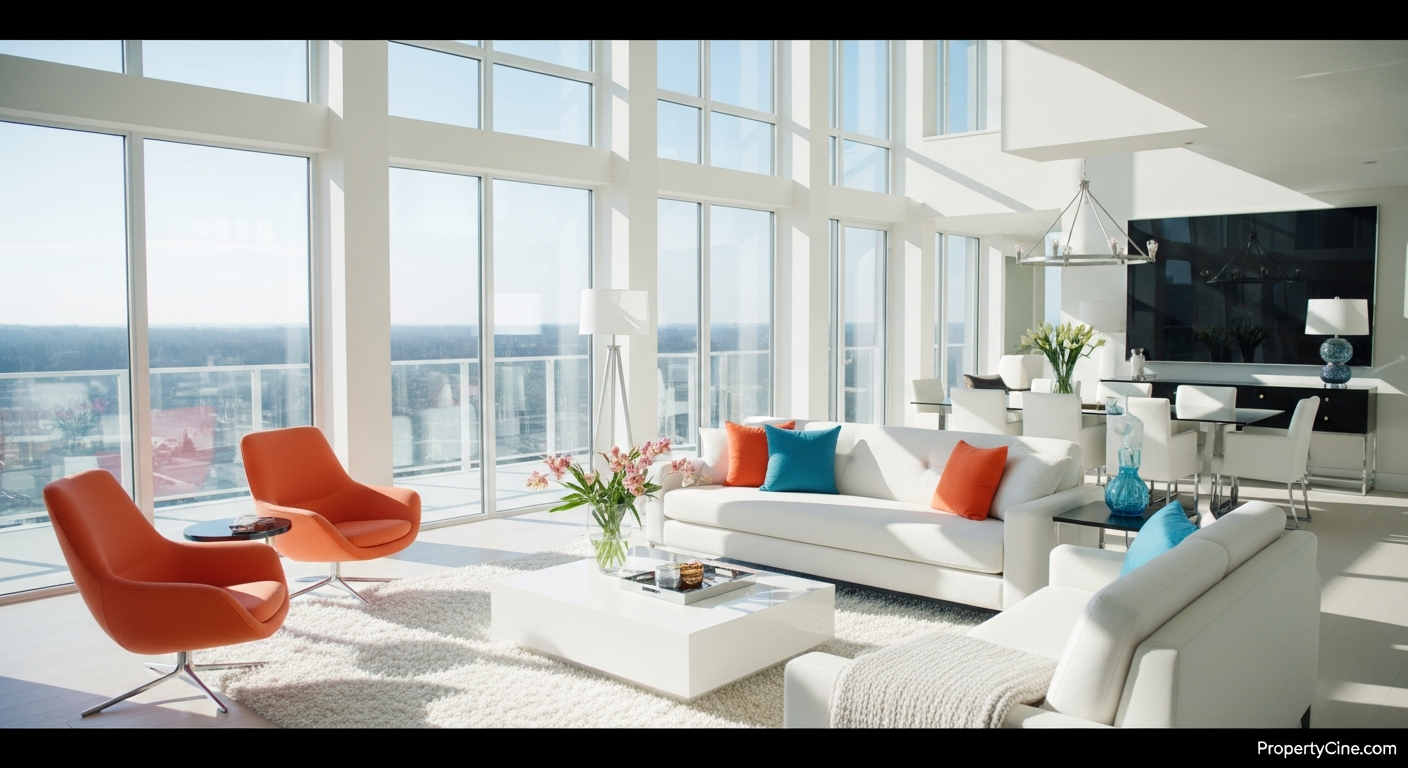
Smart Home Integration Video Marketing: Showcase Intelligent Features
The rise of smart home technology has redefined what buyers expect from a modern property. From intelligent thermostats and automated lighting to advanced security systems and integrated entertainment, these features offer unparalleled convenience, efficiency, and comfort. However, simply listing "smart home features" in a text description or static photo often fails to convey their true value and functionality.
This is where smart home integration video marketing becomes indispensable. Video brings these intelligent features to life, allowing prospective buyers to visually understand how these systems work and, more importantly, how they enhance daily living. For real estate agents and property marketers, leveraging video is no longer an option but a strategic imperative to stand out in a competitive market and attract buyers seeking cutting-edge homes.
Why Smart Home Video Marketing Matters
Buyers often struggle to visualize the practical benefits of smart home technology from a written description alone. Video bridges this gap by demonstrating functionality in action. It allows you to:
* Illustrate Seamless Operation: Show smart lighting adjusting with a voice command or blinds closing automatically at sunset.
* Highlight User Experience: Convey the ease and convenience of managing various systems from a central hub or smartphone.
* Showcase Energy Efficiency: Visually connect smart thermostats and energy monitoring systems to tangible savings, often appealing to eco-conscious buyers. For more on this, consider exploring Sustainable Home Video Marketing: Highlighting Green Features.
* Differentiate Your Listing: Properties with advanced tech often attract a specific buyer demographic. High-quality video speaks directly to their preferences.
* Build Trust and Authority: Demonstrating intelligent features confidently positions you as an agent knowledgeable about modern home technology.
The "SMART View" Framework for Smart Home Video Marketing
To create compelling smart home videos, adopt a structured approach. The "SMART View" framework guides you through key considerations, ensuring your video showcases functionality effectively and resonates with your target audience.
S - Showcase Functionality, Not Just Features
Don't just list what the smart device is; demonstrate what it does. Show the smart lock unlocking remotely, the security cameras providing live feeds, or the smart oven preheating from an app. Think about the "wow" factor of seeing the technology in action.
M - Master the Narrative and Storytelling
Every home tells a story, and smart homes offer unique chapters. Frame your video around how the intelligent features solve problems or enhance a lifestyle. "Imagine waking up to automated blinds, coffee brewing, and personalized lighting..." This approach helps buyers envision themselves living in the space.
A - Allure with Benefits and Lifestyle Integration
Translate technical features into tangible benefits. A smart thermostat isn't just a thermostat; it's year-round comfort and lower energy bills. An integrated sound system isn't just speakers; it's effortless entertainment for gatherings or quiet evenings. Connect the tech to improved quality of life.
R - Reach the Right Buyer with Targeted Content
Different smart features appeal to different demographics. Young families might prioritize smart security and child monitoring. Tech enthusiasts will appreciate integration capabilities and advanced control. Tailor your video's emphasis and language to resonate with your ideal buyer. Strategic personalization in video can significantly boost engagement, as discussed in Real Estate Video Personalization at Scale: Strategies & Tools.
T - Technical Clarity and Transparency
While showcasing benefits, maintain clarity about the technology. Briefly explain how features are controlled (app, voice, panel) and mention ease of use. Be transparent about any subscriptions or ongoing costs associated with specific smart systems. This builds trust and avoids surprises.
Crafting Your Smart Home Video: Step-by-Step
Creating effective smart home videos doesn't require a Hollywood budget, but it does demand thoughtful planning and execution.
1. Pre-Production: Planning & Scripting
* Identify Key Features: List all smart home integrations. Prioritize those with visual impact and broad appeal.
* Define Your Audience: Who is the ideal buyer for this smart home? What benefits will resonate most with them?
* Develop a Storyboard/Shot List: Map out which features you'll show, in what order, and how. Include voiceover notes or on-screen text ideas.
* Script Your Commentary: Write a concise script that highlights benefits, demonstrates functionality, and maintains a natural flow. Keep it conversational.
2. Production: Filming Tips for Intelligent Features
* Demonstrate, Don't Just Point: Show the smart lighting changing color, don't just zoom in on the bulb. Show the security camera feed on a tablet, not just the camera itself.
* Focus on User Interaction: Capture hands interacting with control panels, fingers swiping on apps, or a voice command activating a device.
* Vary Your Shots: Use wide shots to show the overall integration, medium shots for context, and close-ups for detail and user interface.
* Lighting is Key: Ensure the property is well-lit to clearly display screens and device indicators. Avoid glare on smart displays.
* Sound Matters: Record clean audio for voiceovers and any device-specific sounds (e.g., smart lock engaging). Minimize background noise.
3. Post-Production: Editing for Impact
* Pacing and Flow: Keep the video engaging. Cut quickly between scenes to maintain momentum, but allow enough time for viewers to grasp the feature's operation.
* On-Screen Text: Use text overlays to highlight key features or benefits succinctly.
* Background Music: Choose uplifting, modern instrumental music that complements the tech-forward feel without distracting from the narrative.
* Clear Voiceover: Ensure your voiceover (if used) is crisp, professional, and easy to understand.
* Call to Action: End with a clear call to action, such as "Schedule a private smart home tour today!"
Integrating Video into Your Marketing Funnel
Smart home integration videos are versatile and can be used across multiple platforms to maximize reach and impact.
* Listing Pages: Embed the video prominently on your property's dedicated listing page.
* Social Media: Share engaging snippets or full tours on platforms like Instagram, Facebook, and YouTube.
* Email Campaigns: Include video links in your property update emails to interested leads.
* Open Houses/Showings: Use the video as a pre-showing primer or an on-site demonstration tool.
* Agent Website/Blog: Feature these videos to establish your expertise in smart home properties.
Comparison: Different Smart Home Features & Video Approaches
Not all smart features are created equal in terms of video potential. Tailor your approach based on the specific technology.
| Feature Type | Video Focus | Best Video Approach |
|---|---|---|
| Security Systems | Peace of mind, remote monitoring, access | Demonstrate app control, camera views, remote lock |
| Climate Control | Energy savings, comfort, air quality | Show thermostat UI, scheduling, zonal control |
| Lighting/Shades | Ambiance, convenience, energy efficiency | Voice commands, scene settings, automated schedules |
| Entertainment | Seamless audio/video, home theater control | Play music/video, multi-room sync, app integration |
| Appliances | Convenience, efficiency, remote operation | Show app preheating oven, smart fridge features |
| Voice Assistants | Centralized control, integration | Showcase controlling other devices via voice |
Templates for Smart Home Integration Video Marketing
Leverage these copy-paste templates to streamline your marketing efforts. Remember to replace bracketed information `[ ]` with your specific details.
Email Subject Line Templates
60-90 Second Smart Home Video Script Template
(Visuals: Opening shot of the home exterior, then smoothly transition inside, starting with a key smart feature.)
(Voiceover/On-screen Text): "Welcome to [Property Address], where modern living meets intelligent design. Today, we're exploring how this home's integrated smart technology creates an unparalleled living experience."
(Visuals: Agent (or hand) interacting with a smart thermostat, showing a temperature change.)
(Voiceover): "Step into comfort with intelligent climate control. Easily manage temperatures from anywhere, ensuring your home is always perfectly set, saving you energy and enhancing your daily routine. Imagine arriving home to your ideal temperature, every time."
(Visuals: Smart lighting changing color/intensity, then automated blinds closing/opening.)
(Voiceover): "Transform your ambiance with a touch or a command. From vibrant settings for entertaining to soft, warm light for relaxing evenings, the smart lighting system adapts to your mood. And with automated shades, enjoy privacy and natural light effortlessly throughout the day."
(Visuals: Agent demonstrating a smart security panel or showing a live camera feed on a tablet.)
(Voiceover): "Your peace of mind is paramount. This home features a comprehensive smart security system, offering remote monitoring, intelligent locks, and integrated cameras. Feel secure and connected, whether you're home or away, with full control at your fingertips."
(Visuals: Quick montage of other features like smart appliances, voice assistant interaction, then a final wide shot of a living space.)
(Voiceover): "Every detail in [Property Address] is designed for convenience and efficiency, integrating seamlessly into your lifestyle. Experience the future of homeownership, where technology works for you."
(Visuals: Agent on screen or text overlay with contact information and a call to action.)
(Voiceover): "Ready to see these intelligent features for yourself? Contact [Your Name/Team] today to schedule a private tour of [Property Address]."
Social Media Caption Templates
For a full video post:
"Unlock the future of living at [Property Address]! ✨ Dive into our latest video tour showcasing the seamless smart home integration, from climate control to advanced security. Experience convenience, efficiency, and ultimate comfort. Link in bio to watch the full tour! #SmartHome #RealEstate #PropertyTech #[Neighborhood]Homes"
For a short teaser/reel:
"Ever wondered what living in a truly smart home feels like? 🤔 Get a glimpse of the intelligent features at [Property Address]! Automated comfort, enhanced security, and effortless living. Tap to watch a snippet! Full video link in comments. #SmartHomeTour #RealEstateVideo #ModernLiving #[YourCity]"
Ethical Considerations & Best Practices
* Accuracy: Always accurately represent the functionality of smart home features. Avoid overstating capabilities.
* Privacy: Be mindful of privacy settings for smart devices during filming. Ensure no personal data is visible or accessible. If demonstrating features like security cameras, clearly state that this is for demonstration purposes only.
* Consent: If a homeowner is present or if sensitive data (like family photos on a smart display) could be shown, obtain explicit consent.
* Clarity on Subscription Models: If smart features require ongoing subscriptions (e.g., security monitoring, premium entertainment services), mention this in your video or listing description for full transparency.
FAQ
Q1: What smart home features should I prioritize highlighting in video?
A1: Focus on features with visual impact and broad appeal, such as smart thermostats, automated lighting and blinds, integrated security systems, voice assistants controlling devices, and smart appliances. These often offer clear, demonstrable benefits.
Q2: Do I need special equipment to film smart home integration videos?
A2: While a professional camera is ideal, a modern smartphone with good video capabilities can suffice. Ensure you have stable shots (use a tripod or gimbal), good lighting, and clear audio (external microphone recommended).
Q3: How long should a smart home video be?
A3: Aim for 60-90 seconds for a quick overview. For a more comprehensive tour of a highly integrated home, 2-3 minutes can work, but keep it concise and engaging. Shorter videos are often better for social media.
Q4: Where should I share my smart home integration videos?
A4: Embed them on your property listing page, share on social media platforms (YouTube, Instagram, Facebook), include links in email campaigns, and feature them on your agent website or blog.
Q5: How do I explain complex technology simply in my video?
A5: Focus on the "what it does for you" rather than the "how it works" technical details. Use clear, benefit-oriented language. For instance, instead of "This Z-Wave hub integrates with IFTTT," say "Control all your home devices with a single touch or voice command."
Q6: Can I use existing listing photos to create smart home videos?
A6: Yes, tools like PropertyCine can transform high-quality listing photos into cinematic videos, which can then be enhanced with voiceovers or text overlays highlighting smart features. This is a great way to start if live filming isn't feasible.
Q7: What's the main difference between a smart home video and a regular listing tour?
A7: A regular listing tour showcases the overall space and aesthetics. A smart home video specifically demonstrates the functionality and user experience of intelligent features, showing them in action rather than just presenting them as static objects.
Q8: How often should I create smart home videos?
A8: Create a dedicated smart home video for every listing that features significant intelligent integrations. For properties with fewer smart features, consider incorporating a brief segment into your general property tour.
Key Takeaways
* Show, Don't Just Tell: Video brings smart home features to life, demonstrating their functionality and practical benefits.
* Follow the SMART View Framework: Focus on functionality, narrative, benefits, target audience, and clarity.
* Templates Boost Efficiency: Utilize provided script, subject line, and caption templates to save time.
* Integrate Ethically: Be accurate, transparent, and mindful of privacy when showcasing smart technology.
* Differentiate Your Listings: High-quality smart home videos attract tech-savvy buyers and highlight modern value.
Ready to Showcase Your Smart Listings?
Transform your static photos into dynamic, engaging smart home integration videos that captivate buyers. Learn more about how AI can elevate your property showcases and start creating stunning cinematic tours today. Try PropertyCine free and bring your intelligent listings to life.
Continue Your Learning
Explore more insights from our real estate marketing blog:
- AI Virtual Agent Property Showcases: Revolutionizing Real Estate Viewings
- Video Marketing for Real Estate Investors: Attract High-Value Leads
- Pre-Listing Video Strategy Real Estate: Win More Listings
Ready to transform your property listings? PropertyCine makes it easy to create stunning cinematic videos from your listing photos. Get started free today.


Turn Your Listing Photos Into Stunning Videos
Upload your property photos and our AI creates cinematic videos with natural motion - curtains sway, water ripples, light shifts. Ready in ~5 minutes.
Try Free - No Credit CardContinue Reading
PropertyCine Team
Expert insights on real estate video marketing and AI technology.
Related Articles
Data-Driven Video Personalization for Buyers: Captivate Your Real Estate Audience
Mastering Interactive Short-Form Video for Property Tours: Drive Engagement & Sales
Smart Home Video Tours Real Estate Agents Need to Master
Elevate Listings: Smart Home Technology Video Tours Real Estate Agents Need
Mastering Property Video Editing: A Complete Guide
Elevating Luxury Real Estate Video Storytelling: The 4 C's Framework
Create Stunning Property Videos Today
Transform your listing photos into cinematic videos with AI.
Get Started Free