
Optimizing Real Estate Listing Videos for Social Media: The REACH Method
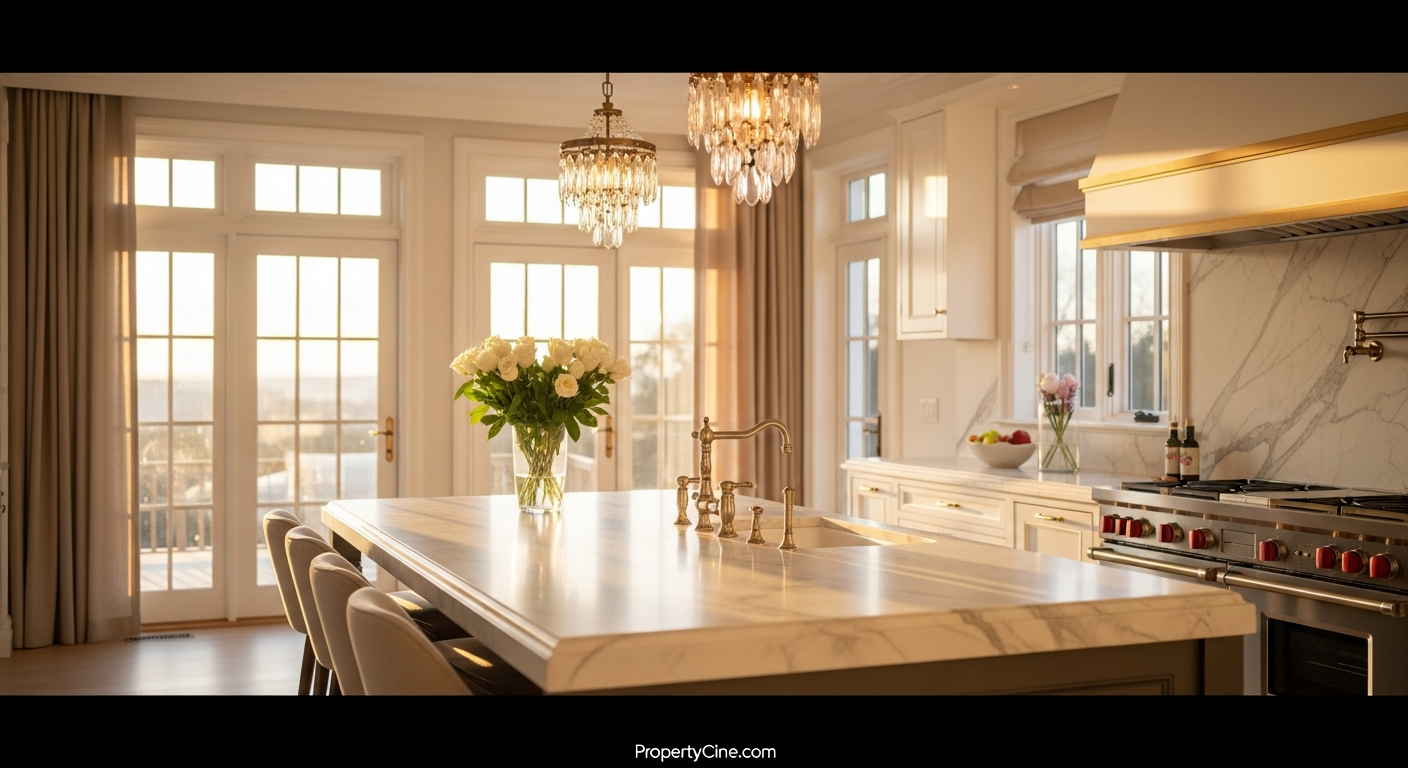
Optimizing Real Estate Listing Videos for Social Media: The REACH Method
In today's fast-paced digital world, a static image simply isn't enough to capture and hold a potential buyer's attention. Real estate listing videos have become an indispensable tool, but simply creating a video isn't enough; you need to master optimizing real estate listing videos for social media to truly maximize their impact.
Social media platforms are where buyers spend significant time, making them prime territory for showcasing properties. However, each platform has its own nuances, algorithms, and audience expectations. Understanding how to tailor your video content for each can significantly boost your visibility and engagement, drawing in more qualified leads.
This guide will walk you through a strategic approach to ensure your listing videos resonate effectively across popular social channels.
The REACH Method for Social Media Video Optimization
To simplify the process of optimizing real estate listing videos for social media, we've developed the REACH Method. This framework helps you create and distribute video content that truly connects with your target audience:
* Relevant: Tailor content to your audience and platform.
* Engaging: Capture attention quickly and maintain interest.
* Accessible: Ensure videos can be consumed by everyone.
* Consistent: Maintain brand voice and regular posting.
* Hyper-targeted: Utilize platform features for precise reach.
Let's break down how to apply the REACH Method to your real estate video strategy.
R: Make Your Content Relevant – Audience & Platform Specificity
The first step in optimizing real estate listing videos for social media is to understand who you're talking to and where they are. Different platforms attract different demographics and content styles.
When to Use Which Platform for Real Estate Videos:
| Platform | Primary Audience & Content Style | Best Use Cases for Listing Videos |
|---|---|---|
| Younger demographic, visual-first, short-form | Reels for quick tours, Stories for behind-the-scenes | |
| Broader age range, community-focused, longer | Virtual open houses, full property tours, community info | |
| TikTok | Gen Z/Millennials, trend-driven, fast-paced | Quick highlights, "day in the life," unique features |
| YouTube | Search-driven, educational, long-form | Detailed property tours, neighborhood guides, testimonials |
| Professionals, B2B, industry insights | High-end listings, commercial properties, market updates |
Actionable Tip: Before posting, ask: "Who uses this platform, and what kind of video do they expect?" A 15-second TikTok might focus on a unique kitchen island, while a YouTube video could feature a comprehensive room-by-room walkthrough.
E: Create Engaging Content – Hook, Story, Call to Action
Engagement is paramount. Most social media feeds are crowded, so your video needs to grab attention immediately.
* The Hook (First 3-5 Seconds): Start strong. Use an intriguing visual, a compelling question, or a statement that piques curiosity. Avoid lengthy intros or logos at the very beginning.
* The Story (Middle Section): Beyond just showing rooms, tell a story about the home. What's it like to live there? Highlight unique features, natural light, or views. Emphasize lifestyle.
* Call to Action (Last 5-10 Seconds): Guide viewers on what to do next. Be explicit.
Video Script Template (60-90 Seconds):
Opening (0-10 seconds):
"Welcome to [Property Address] in beautiful [Neighborhood]! Today, we're stepping inside a [Adjective, e.g., charming, modern, spacious] [Number] bed, [Number] bath home designed for [Lifestyle, e.g., entertaining, quiet family living]. Let's take a look!"
Highlight Reel (10-45 seconds):
(Quick cuts showcasing key features)
"First, notice the [Feature 1, e.g., open-concept living area] bathed in natural light. Imagine cozy evenings by the [Feature 2, e.g., fireplace] or hosting dinner parties in this [Adjective, e.g., gourmet, updated] kitchen with [Specific detail, e.g., quartz countertops and smart appliances]. Step out onto the [Feature 3, e.g., private patio] – perfect for [Activity, e.g., morning coffee, summer BBQs]. The [Master Bedroom] offers a tranquil retreat with [Feature 4, e.g., stunning views/spa-like ensuite]."
Lifestyle & Neighborhood (45-75 seconds):
"This home isn't just about the interiors; it's about the lifestyle. Located just moments from [Local Amenity 1, e.g., top-rated schools, vibrant downtown], and [Local Amenity 2, e.g., scenic parks, boutique shops], you're perfectly positioned to enjoy everything [Neighborhood] has to offer. This isn't just a house; it's a place to create lasting memories."
Call to Action (75-90 seconds):
"Ready to make [Property Address] your new home? Don't miss this opportunity. Contact [Your Name/Team Name] at [Your Phone Number] or visit the link in bio for more details and to schedule a private showing. See you there!"
A: Ensure Accessibility – Captions, Audio, & Visual Clarity
Accessibility is crucial for expanding your reach and adhering to ethical considerations. Ensuring your videos are accessible means more people can consume your content, regardless of their hearing or visual abilities.
* Captions/Subtitles: Essential for viewers watching without sound (which is common on social media feeds) and for those with hearing impairments. Most platforms offer auto-captioning, but always review and edit for accuracy.
Clear Audio: If someone is* listening, ensure your narration is clear, articulate, and free of background noise.
* Visual Clarity: High-resolution video and good lighting are non-negotiable. Ensure all text on screen is legible.
* Descriptive Language: When speaking, describe what viewers are seeing, especially if they might be visually impaired.
For a deeper dive into making your video content inclusive, consider reading our article on Accessibility Standards for Real Estate Listing Videos: Ensuring Inclusivity.
C: Maintain Consistency – Branding & Posting Schedule
Consistency builds recognition and trust. Your social media video strategy should reflect your brand and maintain a regular rhythm.
* Visual Branding: Use consistent colors, fonts, and a subtle watermark (like your logo or contact info) in your videos. This makes your content instantly recognizable.
* Voice and Tone: Your video's narration and on-screen text should align with your professional brand. Are you formal, friendly, authoritative, or approachable?
* Posting Schedule: While there's no magic number, many agents find that posting 2-3 listing videos (or video updates) per week keeps their audience engaged. Regularity helps algorithms favor your content.
H: Hyper-Target Your Reach – Hashtags, Tags, & Analytics
This is where you leverage platform-specific features for maximum impact.
* Hashtags: Research relevant and trending hashtags. Mix broad ones (e.g., #RealEstate) with niche-specific ones (e.g., #LuxuryHomes[City], #[Neighborhood]RealEstate). Use 5-10 relevant hashtags on Instagram/TikTok, fewer on Facebook.
* Geo-tagging: Always tag the location of the property and/or your office. This helps local buyers discover your listings.
* Collaborate/Tag: If applicable, tag co-listing agents, stagers, or local businesses featured in the video (with their permission). This expands your reach to their networks.
* Engage with Comments: Respond promptly and professionally to all comments and questions. This shows engagement and can lead to direct leads.
* Analyze Performance: Most platforms provide analytics. Pay attention to metrics like views, watch time, engagement rate, and click-throughs. This data helps you refine your strategy for future videos. Learn more about leveraging data in Boosting Real Estate Listing Video Performance with AI Analytics.
Social Media Copy-Paste Templates
Here are some practical templates to help you with optimizing real estate listing videos for social media. Remember to replace the bracketed placeholders `[ ]` with your specific details.
Email Subject Line Templates (for sharing videos)
Social Media Caption Templates
Instagram/Facebook Feed Post:
"Step inside this stunning [Number] bed, [Number] bath gem at [Property Address] in the heart of [Neighborhood]! ✨ This home truly has it all: from the [Highlight Feature 1, e.g., chef's kitchen] to the [Highlight Feature 2, e.g., serene backyard oasis]. Perfect for [Buyer Type, e.g., growing families, entertaining].
Watch the full video tour to experience the magic! 👇
Link in bio for more details, photos, and to schedule your private showing.
RealEstate #[Neighborhood]Homes #[City]RealEstate #JustListed #[PropertyType, e.g., SingleFamilyHome] #HomeForSale [YourBrokerageTag]"
TikTok/Instagram Reels Caption:
"POV: You found your dream home in [Neighborhood]! 😍 This [Number] bed, [Number] bath at [Property Address] is everything. Wait till you see the [Highlight Feature]! #DreamHome #RealEstateTikTok #[Neighborhood]Vibes #NewListing #[City] #HouseGoals"
LinkedIn Post:
"Excited to share the exclusive video tour of our newest listing: [Property Address] in [Neighborhood]. This [Property Type, e.g., meticulously updated single-family residence] offers [Key Benefit 1, e.g., unparalleled craftsmanship] and [Key Benefit 2, e.g., a prime location near top amenities].
Watch the full video to explore its unique features and potential. Ideal for [Target Demographic, e.g., executives seeking a sophisticated urban retreat].
Learn more and schedule a private showing: [Direct Listing Link]
RealEstate #LuxuryHomes #[City]Properties #InvestmentOpportunity #RealEstateMarketing #PropertyTour"
Follow-Up Message Template (after a video inquiry)
"Hi [Prospect Name],
Thanks for reaching out about [Property Address] after watching the video tour! I'm delighted you found it insightful.
Based on what you liked in the video, are there any specific features or areas of the home you'd like to explore further? I'd be happy to answer any questions or arrange a private viewing at your convenience.
You can also find more details and photos here: [Direct Listing Link]
Looking forward to connecting!
Best,
[Your Name]
[Your Title]
[Your Phone Number]"
FAQ
Q1: How long should my real estate listing videos be for social media?
A1: It varies by platform. For Instagram Reels and TikTok, keep it under 30-60 seconds. Facebook and YouTube can accommodate longer videos, typically 2-5 minutes for a full tour, but ensure you hook viewers in the first few seconds.
Q2: Is it better to post listing videos on YouTube or Instagram first?
A2: For comprehensive, evergreen content, YouTube is ideal as a primary host. For immediate engagement and quick virality, Instagram (Reels) and TikTok are excellent. You can always upload to YouTube and then create shorter, platform-specific teasers for other social media, linking back to the full YouTube video.
Q3: What's the most important metric to track for social media listing videos?
A3: While views are good, engagement rate (likes, comments, shares, saves) and watch time/completion rate are more indicative of how compelling your content is and how much interest it generates. High watch time suggests viewers are truly interested in the property.
Q4: Do I need professional equipment for social media listing videos?
A4: Not always. Modern smartphones can capture high-quality video. Focus on good lighting, stable shots (a gimbal or tripod helps), and clear audio. Consistency and compelling content often outweigh expensive gear, especially for short-form social media. For more advanced techniques, explore Real Estate Listing Video Walkthrough Best Practices 2026: The S.C.O.P.E. Framework.
Q5: How often should I post real estate listing videos on social media?
A5: Aim for consistency. Many agents find success posting 2-3 property videos or video updates per week. This could be a new listing, a market update, a neighborhood spotlight, or behind-the-scenes content.
Q6: Should I use background music in my social media listing videos?
A6: Yes, carefully selected background music can enhance the viewing experience, but ensure it's royalty-free and fits the property's vibe. Keep the volume low so it doesn't overpower any narration.
Q7: What are common mistakes to avoid when optimizing videos for social media?
A7: Common mistakes include not optimizing for mobile viewing (vertical video where appropriate), ignoring captions, neglecting a clear call to action, using poor audio/lighting, and posting the exact same video across all platforms without tailoring it.
Q8: How can PropertyCine help with social media listing videos?
A8: PropertyCine simplifies video creation by transforming your listing photos into cinematic videos using AI. This allows you to quickly generate high-quality, engaging video content optimized for social media without needing extensive editing skills or equipment, giving you more time to focus on your clients and strategy.
Key Takeaways
* Tailor Content: Understand each social platform's audience and content expectations for maximum relevance.
* Grab Attention Fast: Implement strong hooks and clear calls to action in every video.
* Prioritize Accessibility: Use captions and ensure clear audio for a broader audience.
* Be Consistent: Maintain your brand's visual identity and voice across all video content.
* Leverage Platform Features: Use hashtags, geo-tags, and analytics to hyper-target your reach and refine your strategy.
* Utilize Templates: Save time and ensure consistency with ready-to-use video scripts and captions.
Ready to transform your static listings into dynamic, attention-grabbing videos for social media? Generate stunning, AI-powered property videos in minutes and put the REACH Method into action today. Try PropertyCine free and elevate your real estate marketing!
Continue Your Learning
Explore more insights from our real estate marketing blog:
- Real Estate Listing Video Walkthrough Best Practices 2026: The S.C.O.P.E. Framework
- Accessibility Standards for Real Estate Listing Videos: Ensuring Inclusivity
- Virtual Staging in Real Estate Listing Videos: Reality vs. Enhanced Vision
Ready to transform your property listings? PropertyCine makes it easy to create stunning cinematic videos from your listing photos. Get started free today.


Turn Your Listing Photos Into Stunning Videos
Upload your property photos and our AI creates cinematic videos with natural motion - curtains sway, water ripples, light shifts. Ready in ~5 minutes.
Try Free - No Credit CardContinue Reading
Optimizing Real Estate Video for Google: The "VISTA" Framework
Read more
Optimizing Real Estate Video for Google Discover: Get Seen by High-Intent Buyers
Read more
Optimizing Real Estate Video for Google Discover: Get Your Listings Seen
Read morePropertyCine Team
Expert insights on real estate video marketing and AI technology.
Create Stunning Property Videos Today
Transform your listing photos into cinematic videos with AI.
Get Started Free