
Real Estate Video Editing Software for Beginners: Your Easy Guide
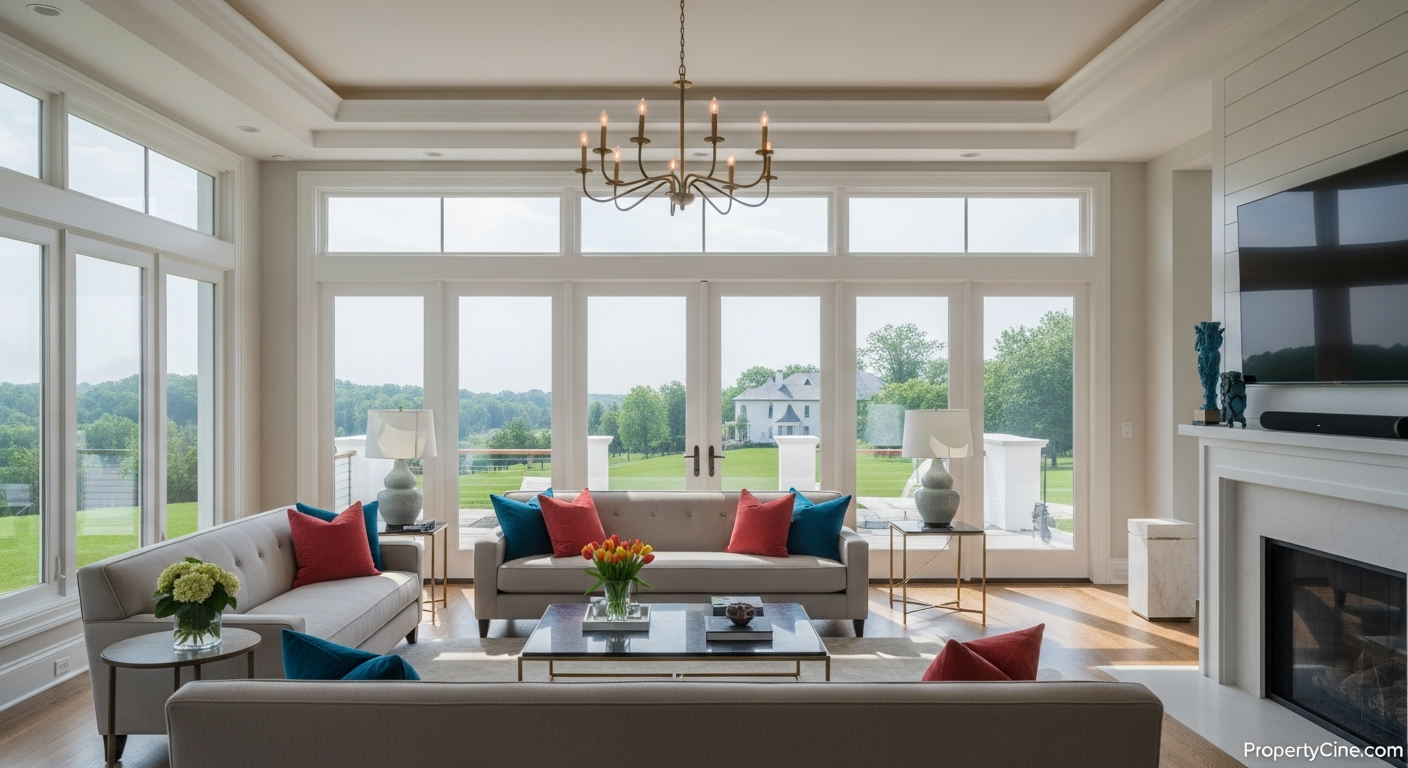
Real Estate Video Editing Software for Beginners: Your Easy Guide
In today's competitive real estate market, video isn't just a trend—it's an expectation. Property listings with video often capture more attention, provide a richer viewing experience, and help buyers visualize themselves in a space before they even step foot in it. However, many real estate agents feel overwhelmed by the thought of video editing, imagining complex software and a steep learning curve.
The good news? You don't need a film degree or expensive equipment to create effective property videos. Many intuitive video editing software options are perfect for beginners, designed to get you from raw footage to polished listing in no time. This guide will walk you through the best tools and strategies to start your real estate video journey, no experience required.
Why Real Estate Agents Need Video (Even if You're a Beginner)
Video helps potential buyers connect with properties on a deeper level. It conveys atmosphere, flow, and unique features in a way static photos cannot. Many agents find that incorporating video into their marketing strategy leads to more informed inquiries and helps pre-qualify leads, ultimately saving time.
Effective video marketing for real estate extends beyond just property tours. You can create market updates, community showcases, agent introductions, and more. For those new to the game, exploring various Video Marketing for New Real Estate Agents: Your First Campaign Guide can provide a solid foundation.
The ACE Framework: Choosing Your First Editing Software
When selecting real estate video editing software as a beginner, focus on three key aspects: Accessibility, Cost, and Ease of Use. This "ACE Framework" ensures you pick a tool that empowers, rather than frustrates, your creative process.
* Accessibility: Is it available on your preferred device (desktop, mobile)? Cloud-based options offer flexibility.
* Cost: Are there free versions, affordable subscriptions, or one-time purchase options that fit your budget? Remember, Your Real Estate Video Production Budget: Smart Spending for Agents is crucial.
* Ease of Use: Does it have an intuitive interface, drag-and-drop functionality, and helpful tutorials?
Top Real Estate Video Editing Software for Beginners
Here's a breakdown of popular, beginner-friendly options, considering the ACE Framework:
| Software Name | Cost | Key Features for Real Estate | Pros | Cons | Best For |
|---|---|---|---|---|---|
| InShot | Free / ~$3.99/mo | Mobile-first, easy cuts, music, text, transitions, speed control | Highly intuitive mobile editing, quick edits | Limited desktop features, mobile screen size | Quick social media videos, basic listing tours |
| CapCut | Free | Mobile & Desktop, AI tools, trendy effects, vast music library | Completely free, powerful AI features, popular | Can feel overwhelming with many options | Agents wanting free, feature-rich tools |
| DaVinci Resolve | Free / $295 | Professional grade, color correction, audio, visual effects | Professional results, robust free version | Steeper learning curve than others, desktop | Agents willing to learn for high-quality |
| PropertyCine | Free Trial / Sub | AI-powered photo-to-video, templates, music, automated editing | No editing required, fast, consistent branding | Less manual control over individual scenes | Agents needing quick, polished listing videos |
In-Depth Look at Recommended Software
* InShot (Mobile: iOS & Android):
This app is a favorite for real estate agents on the go. Its interface is incredibly straightforward, allowing you to trim clips, add music, overlay text, and apply simple transitions with just a few taps. It’s perfect for creating engaging Instagram Reels, TikTok videos, or quick property highlights directly from your phone.
* CapCut (Mobile & Desktop):
CapCut has quickly risen in popularity due to its powerful, free features. Available on both mobile and desktop, it offers a wider range of effects, filters, and AI-powered tools than InShot. While it might look slightly more complex initially, its intuitive timeline and clear menus make it very accessible for beginners once you spend a little time exploring. Its vast audio library is a huge plus for setting the right mood for your property tours.
* DaVinci Resolve (Desktop):
Often considered a professional tool, DaVinci Resolve’s free version is incredibly powerful and capable of producing stunning real estate videos. While it has a steeper learning curve than mobile apps, its "Cut" page is designed for fast editing, and its color grading tools can make your property footage truly shine. If you're committed to elevating your video quality and are comfortable investing a bit more time, this is an excellent long-term option.
* PropertyCine (Web-based):
For agents who want professional-looking property videos without any manual editing, PropertyCine offers a unique solution. You simply upload your listing photos, and our AI transforms them into cinematic videos complete with music, transitions, and branded elements. It’s ideal for quickly generating consistent, high-quality listing videos, freeing up your time for client interactions.
Your First Video Editing Workflow: The 4-P Method
To make your real estate video editing journey smooth, follow the "4-P Method": Plan, Prepare, Produce, Publish.
* Goal: What's the video's purpose? (e.g., listing tour, neighborhood highlight, agent intro).
* Audience: Who are you trying to reach?
* Key Message: What's the one thing viewers should remember?
* Script: Even a brief outline helps. You can find excellent resources on Real Estate Agent Video Scripts That Convert: Your Blueprint for Leads.
* Gather Footage: Shoot high-quality video clips and photos.
* Organize: Create a folder for all your video clips, photos, music, and voiceovers.
* Import: Bring all your assets into your chosen editing software.
* Assemble: Drag and drop clips onto the timeline in a logical order.
* Trim: Cut out awkward pauses, shaky footage, or unnecessary parts.
* Enhance: Add background music (ensure it's royalty-free), text overlays (property address, key features), and simple transitions.
* Review: Watch your video multiple times, checking for flow, audio quality, and clarity. Get feedback if possible.
* Export: Save your finished video in a high-quality format (e.g., MP4).
* Upload: Share on your website, social media (YouTube, Instagram, Facebook), and listing portals.
* Promote: Share with an engaging caption and relevant hashtags.
Actionable Templates for Your Real Estate Videos
Here are some copy-paste templates to get you started:
Video Script Template (60-90 Second Property Tour)
(Scene 1: Exterior - 10-15 seconds)
(Visual: Smooth shot of the home's exterior, curb appeal, front door.)
Voiceover/Text: "Welcome to [Property Address] in desirable [Neighborhood]! I'm [Your Name] from [Your Brokerage], and today we're exploring a true gem."
(Scene 2: Living Area - 15-20 seconds)
(Visual: Pan across living room, showing natural light, spaciousness, key features like fireplace.)
Voiceover/Text: "Step inside and discover an open-concept living space, perfect for entertaining. With [Specific Feature, e.g., 'vaulted ceilings' or 'oversized windows'], this area is bathed in natural light."
(Scene 3: Kitchen - 15-20 seconds)
(Visual: Showcase kitchen, highlight appliances, countertop space, perhaps a dining nook.)
Voiceover/Text: "The heart of this home is truly its gourmet kitchen. Featuring [Specific Feature, e.g., 'granite countertops and stainless steel appliances'], it's ready for any culinary adventure."
(Scene 4: Master Bedroom/Unique Feature - 15-20 seconds)
(Visual: Brief shot of a serene master bedroom or a unique selling point like a backyard oasis.)
Voiceover/Text: "Retreat to the tranquil [Master Suite/Private Garden]. It offers [Key Benefit, e.g., 'a spa-like ensuite' or 'the perfect spot for evening relaxation']."
(Scene 5: Call to Action - 5-10 seconds)
(Visual: Return to agent's face or exterior shot with contact info overlaid.)
Voiceover/Text: "Ready to experience [Property Address] for yourself? Contact me, [Your Name], at [Your Phone Number] or visit [Your Website/Listing Link] for a private showing. Don't miss this opportunity!"
Email Subject Line Templates for Video Content
Social Media Caption Templates
Ethical Considerations in Real Estate Video
When creating videos, transparency and accuracy are paramount.
* Represent truthfully: Ensure your video accurately reflects the property's condition. Avoid misleading angles or omitting important details.
* Consent: If showing people in your videos (e.g., community tours), always obtain their explicit consent.
* Music Licensing: Use royalty-free music or licensed tracks to avoid copyright infringement. Most beginner-friendly software offers a library of legal music.
Quick Summary
Learning real estate video editing is an accessible and powerful way to enhance your marketing. By focusing on beginner-friendly software like InShot, CapCut, or DaVinci Resolve, and leveraging AI tools like PropertyCine, you can create engaging content without a steep learning curve. Follow the 4-P Method and utilize provided templates to streamline your process, ensuring you produce high-quality, ethical videos that capture buyer interest.
FAQ
Q1: Is real estate video editing really necessary for beginners?
A1: While not strictly "necessary" to start in real estate, learning basic video editing skills can significantly enhance your marketing efforts and help you stand out. Many beginner-friendly tools make it surprisingly easy.
Q2: What's the minimum equipment I need for real estate video?
A2: You can start with just your smartphone. Modern smartphones have excellent cameras. A tripod (even a small one) and a basic external microphone can dramatically improve your video stability and audio quality for a low cost.
Q3: How long should a real estate listing video be?
A3: For property tours, 60-90 seconds is often ideal for social media and initial engagement. For more in-depth website tours, 2-3 minutes can work, but keep it concise and engaging.
Q4: Can I use free music for my real estate videos?
A4: Yes, but ensure it's royalty-free or licensed for commercial use. Platforms like YouTube Audio Library, Epidemic Sound (paid subscription), or the built-in libraries of editing apps like CapCut often provide suitable options. Always check the licensing terms.
Q5: How often should I post real estate videos?
A5: Consistency is key. Aim for at least one new video per week, whether it's a listing tour, a market update, or a community highlight. Quality over quantity is important, but a regular schedule helps build an audience.
Q6: What's the difference between a virtual tour and a video tour?
A6: A video tour is typically a pre-recorded, linear walkthrough of a property. A virtual tour (often 3D or 360-degree) is interactive, allowing viewers to click and navigate through the space at their own pace. Video tours are simpler to create for beginners.
Q7: Should I add my voice-over to real estate videos?
A7: Adding your voice-over can personalize the video and build trust with viewers. If you're comfortable, it's highly recommended. Otherwise, clear text overlays or professional background music can also be effective.
Q8: What's the best platform to share my real estate videos?
A8: YouTube is excellent for long-form, searchable content. Instagram Reels/Stories and TikTok are perfect for short, engaging clips. Facebook is good for broader sharing within your network. Listing portals also allow direct video uploads.
Key Takeaways
* Start Simple: Beginner-friendly software like InShot, CapCut, and PropertyCine make video editing accessible for all real estate agents.
* Follow the ACE Framework: Choose software based on Accessibility, Cost, and Ease of Use.
* Implement the 4-P Method: Plan, Prepare, Produce, and Publish your videos for a structured workflow.
* Utilize Templates: Copy-paste scripts and captions save time and ensure consistent messaging.
* Prioritize Ethics: Always be truthful, seek consent, and respect music licensing.
Ready to create stunning property videos with minimal effort? Start by experimenting with your smartphone and one of the recommended editing tools. For an effortless way to transform your listing photos into cinematic videos, try PropertyCine free today.
Continue Your Learning
Explore more insights from our real estate marketing blog:
- Video Marketing for New Real Estate Agents: Your First Campaign Guide
- Real Estate Agent Video Scripts That Convert: Your Blueprint for Leads
- Your Real Estate Video Production Budget: Smart Spending for Agents
Ready to transform your property listings? PropertyCine makes it easy to create stunning cinematic videos from your listing photos. Get started free today.


Turn Your Listing Photos Into Stunning Videos
Upload your property photos and our AI creates cinematic videos with natural motion - curtains sway, water ripples, light shifts. Ready in ~5 minutes.
Try Free - No Credit CardContinue Reading
PropertyCine Team
Expert insights on real estate video marketing and AI technology.
Related Articles
Data-Driven Video Personalization for Buyers: Captivate Your Real Estate Audience
Mastering Interactive Short-Form Video for Property Tours: Drive Engagement & Sales
Smart Home Video Tours Real Estate Agents Need to Master
Elevate Listings: Smart Home Technology Video Tours Real Estate Agents Need
Mastering Property Video Editing: A Complete Guide
Elevating Luxury Real Estate Video Storytelling: The 4 C's Framework
Create Stunning Property Videos Today
Transform your listing photos into cinematic videos with AI.
Get Started Free